72
Load from File: To load setup values from file.
Save to File: To save setup values to file.
Load Default: To reset setup values to default. After loading default, all setup values must
be adjusted again. Load Default is not recommended.
Close: To close CardPrinter70Setup.
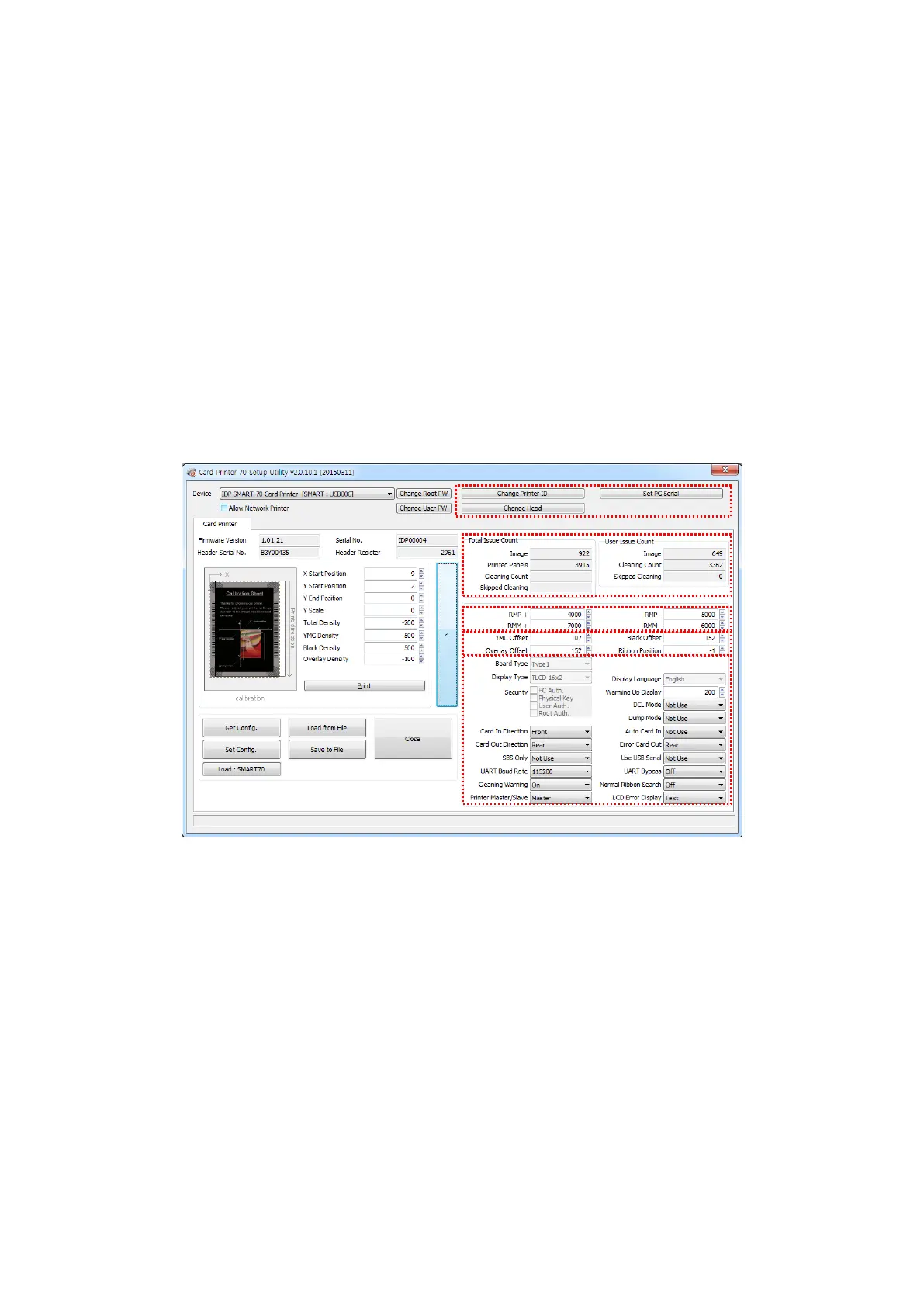
4.1.3 Advanced Setup
Expert setup of SMART-70 Printer can be adjusted on advance setup. If you are unsure, please
contact your dealer.
Figure 99 Advanced Setup
① To set Printer ID, PC Serial and Print Head register after replacing.
Change Printer ID: When SMART-70 is used by SDK, unique ID for SMART-70 Printer is set
regardless of whether it is connected via USB or what IP address is. It is useful to connect
and use several Printers. Factory default is “SMART”.
Set PC Serial: One of security functions. This function can be only used when Printer is
connected via USB and the Printer can be used with a specific PC. It is activated when “Set
PC Serial” is clicked after “PC Authentication” of ⑤ Security is set and rebooted. At that
time, the specific information of connected PC is saved to SMART-70 Printer and the saved
information is used to authenticate the connected PC.



 To Next Page