60
predefined masks (normal card, smartcard,
magnetic stripe card, etc.) or user defined
mask cab be used.
Printing
Ribbon: The print ribbon type is used for
printing and can be automatically recognized.
Speed: To set the printing speed.
Mode: To set the all or partial printing.
Dither: Set the dithering types.
Sharpening: To calibrate the printed image
sharpness.
Ribbon Save: To set that the card is printed
by using the split function when the mono
ribbon is used.
Figure 84 Printing settings
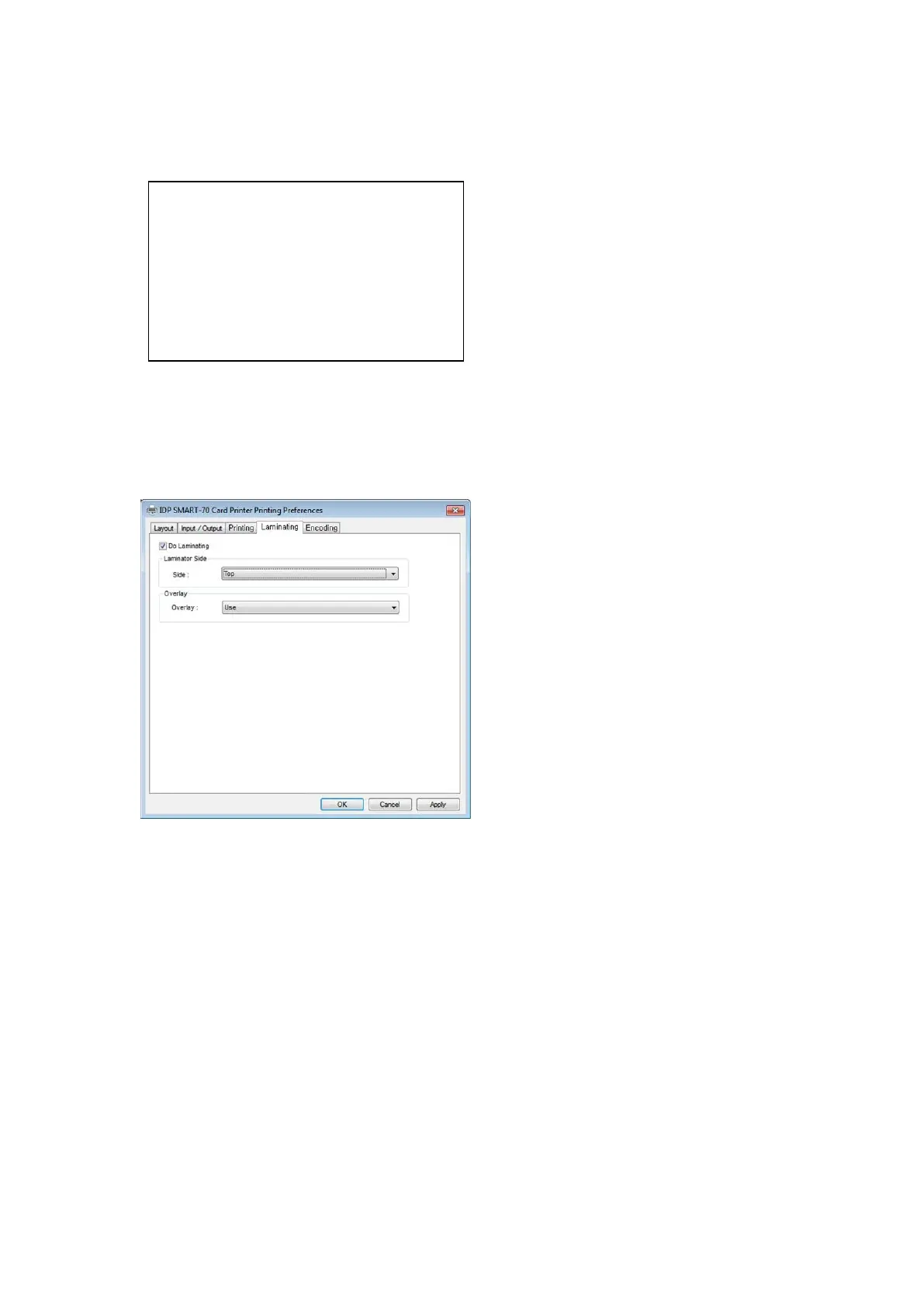
3.1.5 Laminating settings
This tab will be created only when SMART-70
Laminator module is connected.
Do Laminating: To set whether laminate
or not.
Laminator Side: To set the laminating side of
card (top, bottom and both sides).
Overlay: To set whether overlay panel is
printed or not. Default is no overlay when the
card is laminated. We recommend no overlay
when the card is laminated.
Figure 85 Laminating settings
User defined mask uses BITMAP file (1012 x
636 pixels).
Blue(RGB(0,0,255)) : Print and Overlay
Light blue(RGB(0,255,255)) : Overlay only
Pink(RGB(255,0,255)) : Print only
Yellow(RGB(255,255,0)) : Florescent only



 To Next Page