52
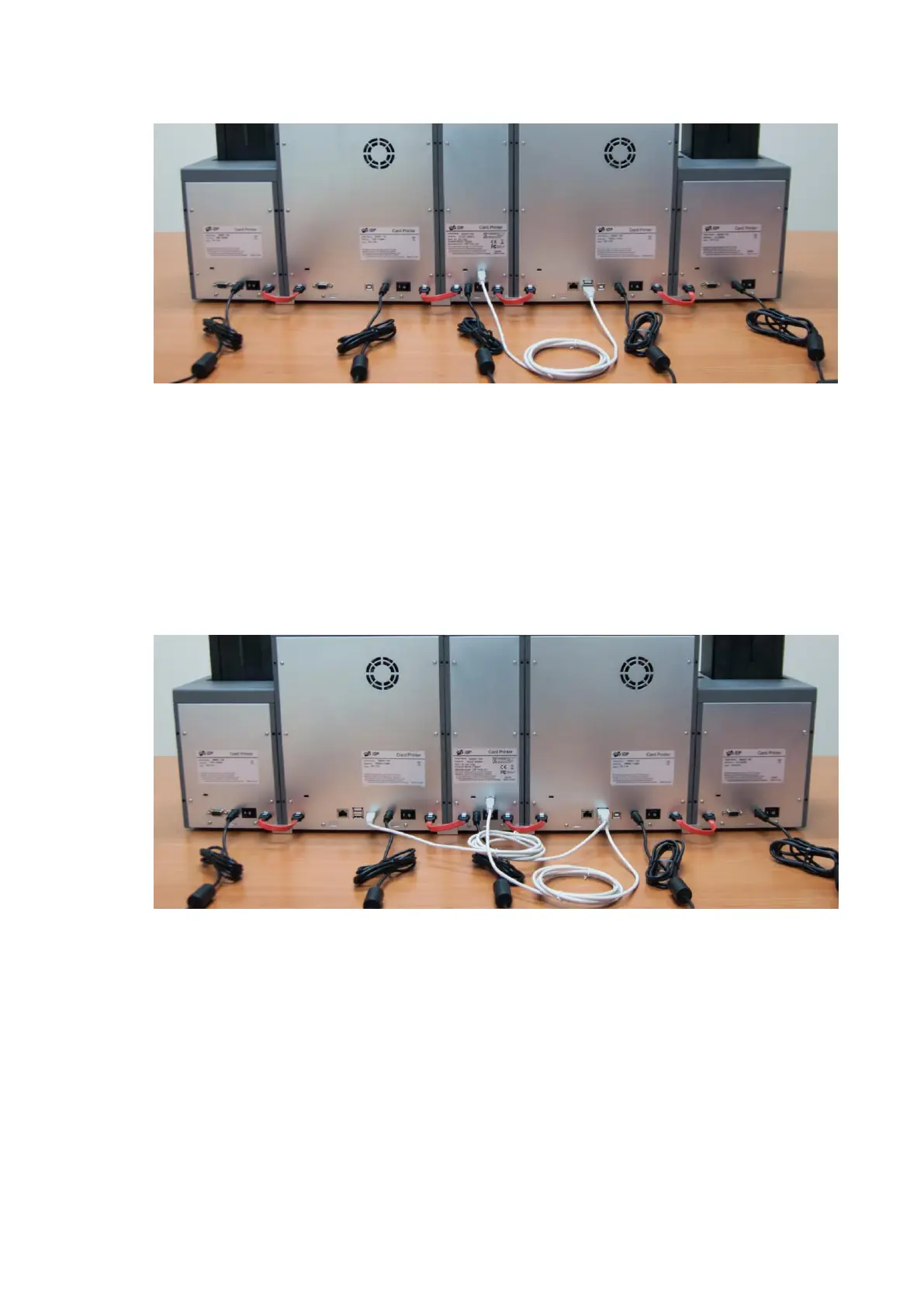
Figure 59. Encoding and scanning data is transmitted by the USB cable.
Figure 59 Cable connection of SMART-70 IPHLO
When two Printers are combined, and encoding or/and scanner option is installed into the
Hybrid Flipper, the USB Host port of the first Printer should be connected to the USB Device port
of the second Printer and the USB Host port of the first Printer should be connected to the USB
Device port of the Hybrid Flipper as Figure 60.
Figure 60 Cable connection of SMART-70 IPHPO
When SMART-70 system is first installed, the system combination of SMART-70 should be
configured by using the LCD control panel.



 To Next Page