30
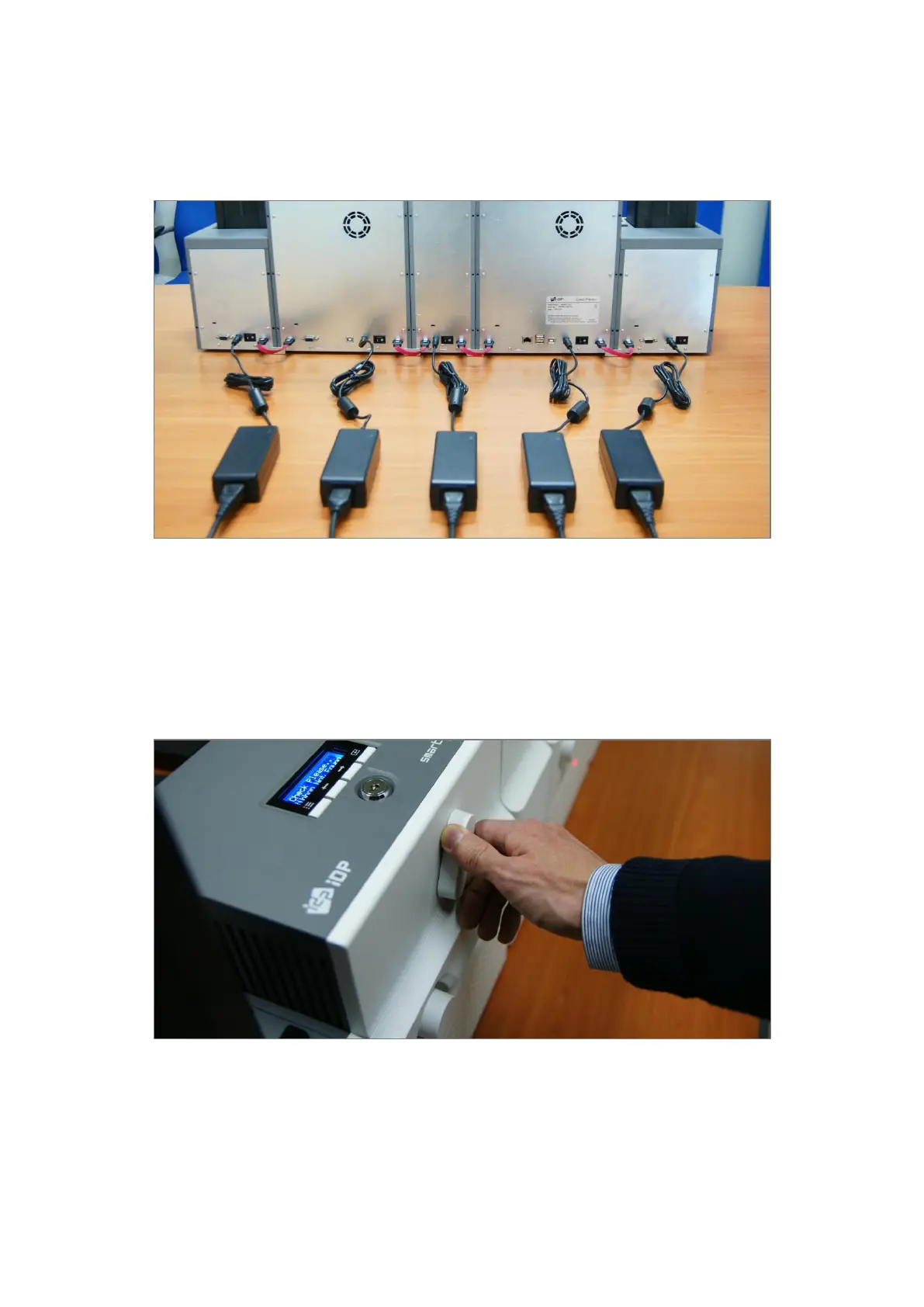
2.1.4 POWER CONNECTION
Please connect the 24V DC power adaptors provided with each module to all modules. Printer
must be connected to the 24 DC power adaptor provided with Printer.
Figure 18 Power connection
2.1.5 PRINT RIBBON AND LAMINATING FILM INSTALLATION
A. Please turn ribbon / film cartridge lock lever to the clockwise 90 degrees.
Figure 19 Ribbon / film cartridge unlocking



 To Next Page