56
2.3.13 Driver installation check 3
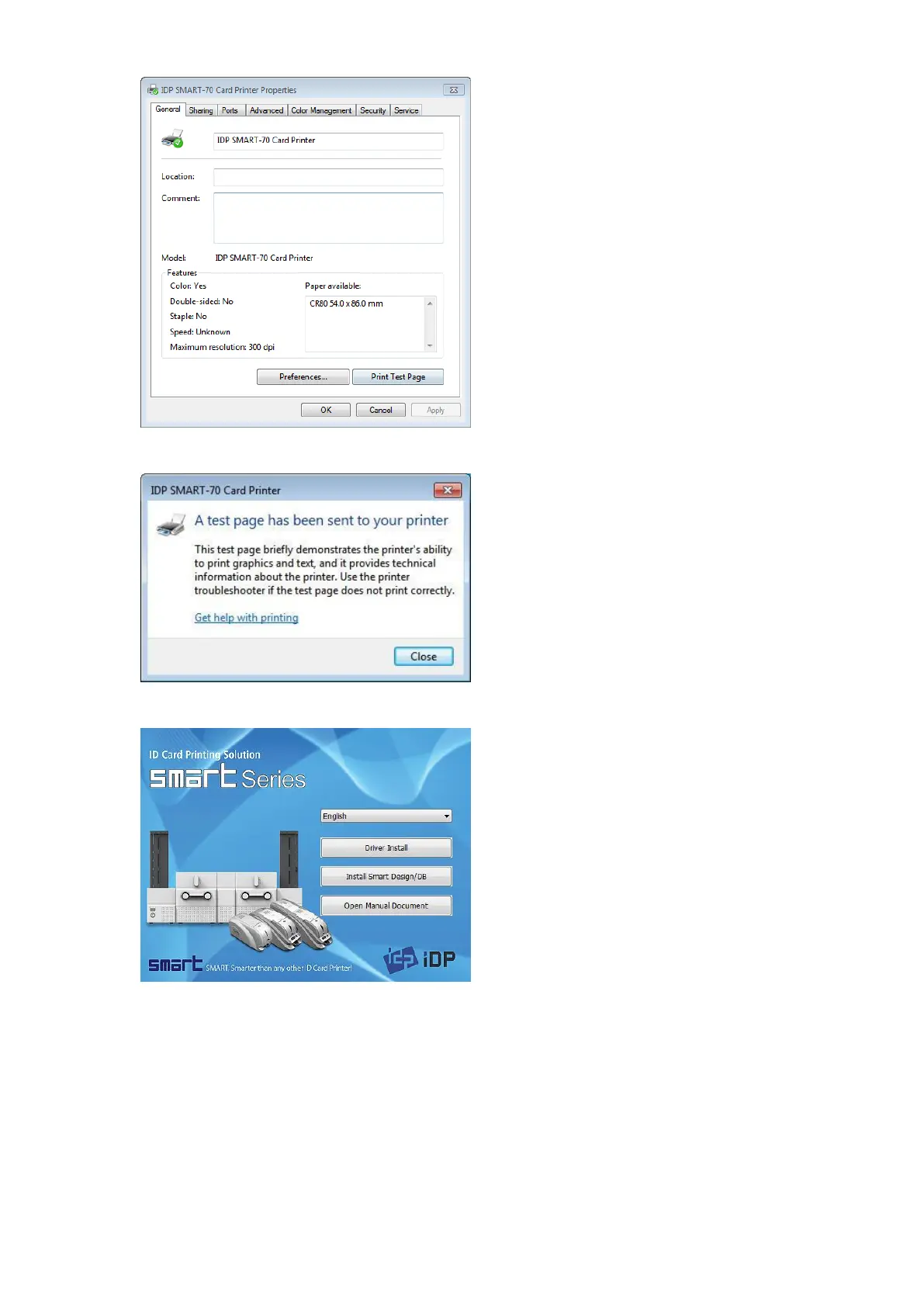
Please select the “General” tab on “IDP
SMART-70 Card Printer” properties and click
“Print Test Page”.
Figure 73 Printer driver installation 13
2.3.14 Driver installation check 4
When test page is being printed, the widow
for checking printing status comes up. After
checking printed test card, if the test card is
properly printed, please click “Close”.
Figure 74 Printer driver installation 14
2.3.15 Application installation 1
After printer driver installation, please install
SMART Design and DB by clicking “Install
Smart Application”.
Figure 75 Application installation 1



 To Next Page