63
- Erase Density [0:100]: To set the temperature to erase the contents on rewritable card.
Wait Option: This option can set the card’s waiting time at each encoding position when the
smart card is encoded without using SDK. One contactless smart card encoder can be
installed into SMART-70 Printer.
When this option is set and the SDK is not used for encoding, the program which the smart
card is recognized and encoded within the specified waiting time must be developed by
yourself because the card is only waiting for a specified time at the encoding position.
- Wait at Internal Module Contactless Encoding Position [On/Off]: To set that the
contactless smart card is waiting at the contactless smart card encoding position in Printer.
> Card Side [Front/Back]: To set the direction of card when the card is waiting.
> Wait Position [-100:100]: To adjust the card position from the previous waiting position
of card to the left or the right (unit is 0.1mm).
> Wait Time [0:1000]: To set the waiting time of card (unit is a second).
3.3 Other settings
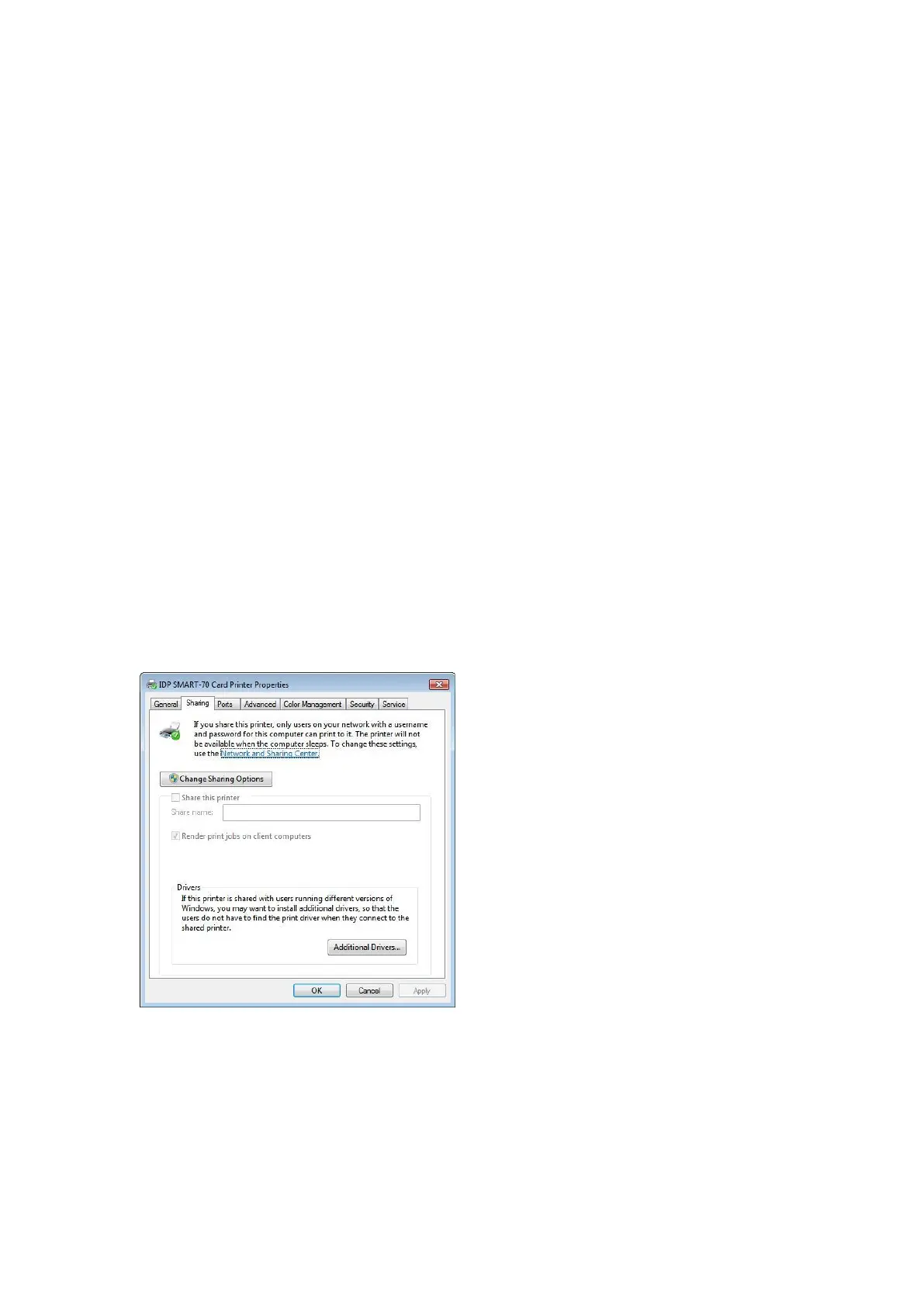
3.3.1 Sharing
Printer can be shared via network by setting
the option of printer sharing on the Sharing
tab.
Default is “Not sharing”.
Figure 87 Printer sharing settings



 To Next Page