96
B. Laminator cleaning 2
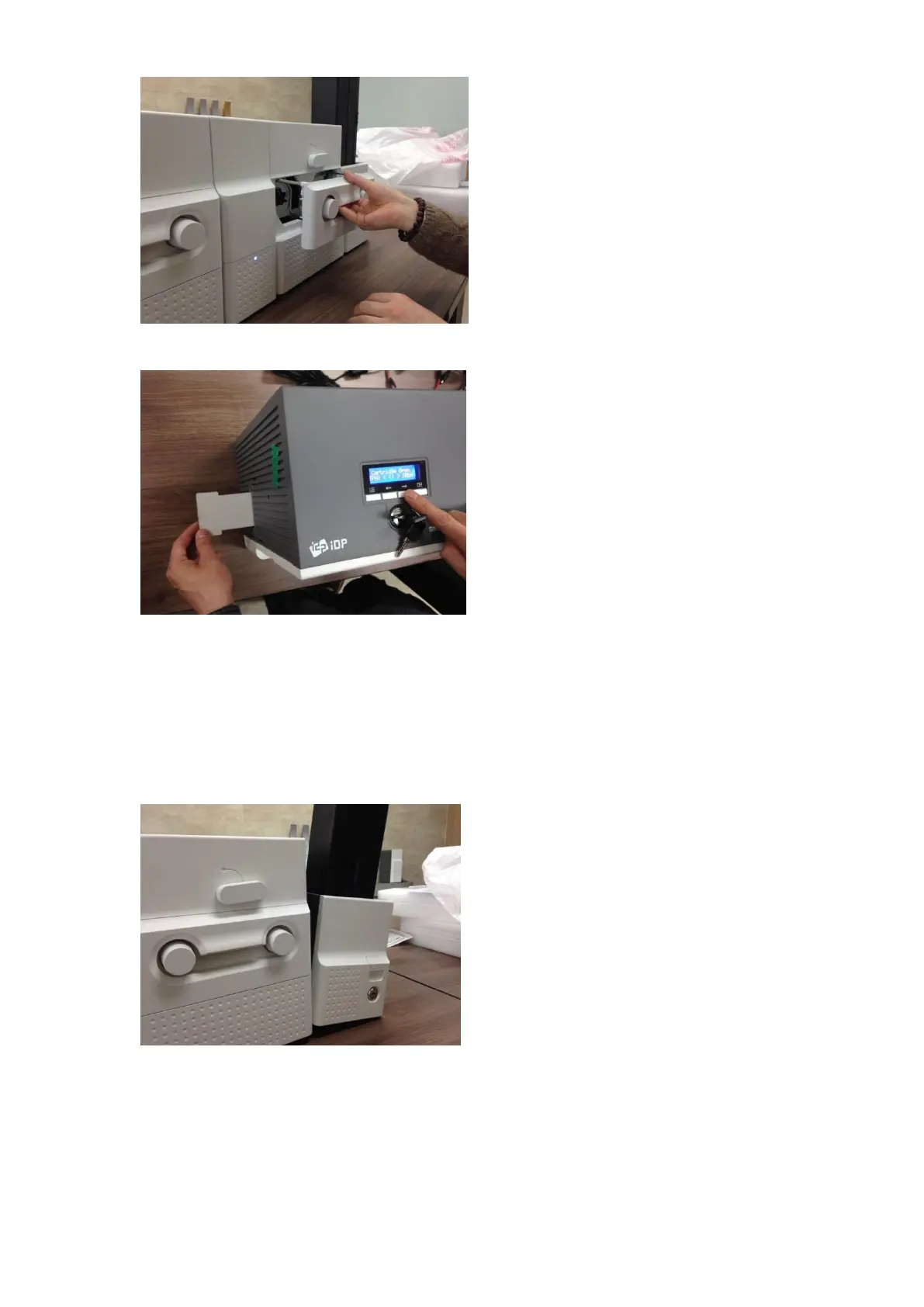
Please pull out the film cartridge as Figure.
Figure 146 Laminator cleaning 2
C. Laminator cleaning 3
Please push a cleaning card in Laminator
while
pressing the “” button on the control panel
of Laminator for 30 seconds as Figure.
After cleaning, please press the “” button to
remove the cleaning card.
Figure 147 Laminator cleaning 3
5.4.5 Output Hopper cleaning
A. Output Hopper cleaning 1
Please separate Output Hopper as Figure
after disconnecting power adaptor and
communication cable at rear side.
Figure 148 Output Hopper cleaning 1



 To Next Page