86
E. Card jam in Input Hopper 5
If card is jammed at the gate of card
cartridge as Figure, please remove the
jammed card by pulling out.
Figure 116 Card jam in Input Hopper 5
5.3.2 Card jam in Printer
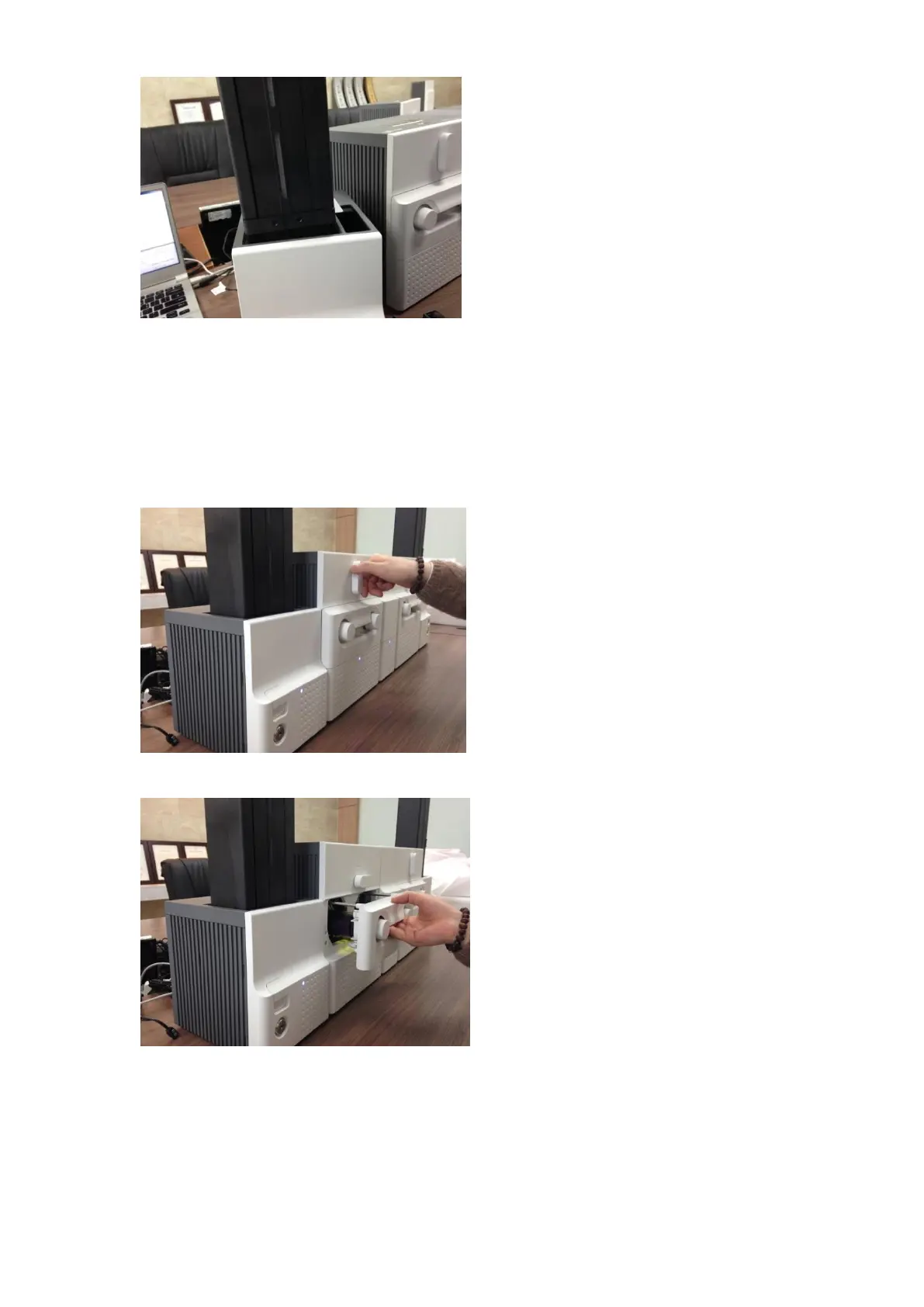
A. Card jam in Printer 1
Please turn the ribbon cartridge lock lever to
the clockwise 90 degrees as Figure.
Figure 117 Card jam in Printer 1
B. Card jam in Printer 2
Please pull out the ribbon cartridge as Figure.
Figure 118 Card jam in Printer 2



 To Next Page