85
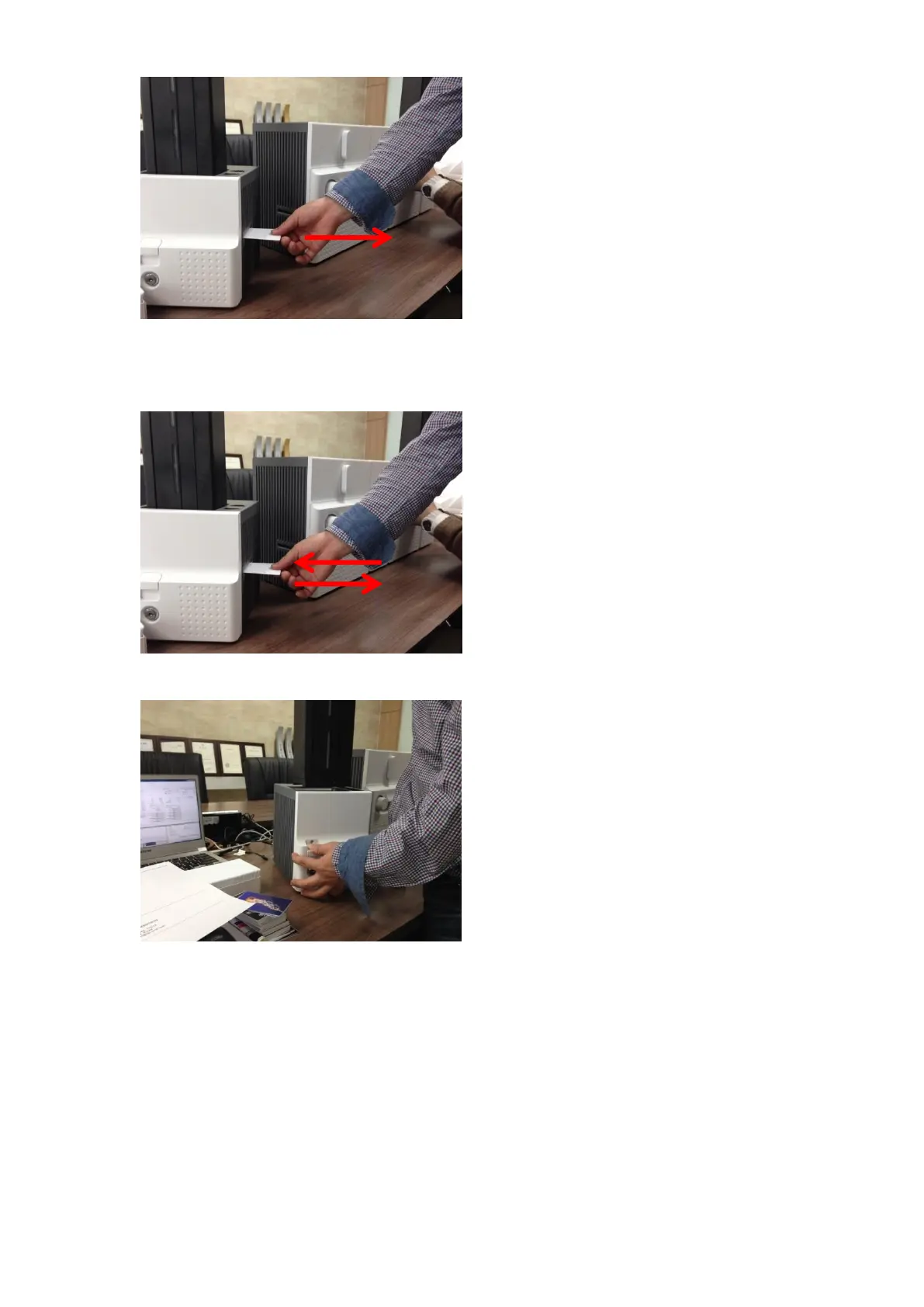
B. Card jam in Input Hopper 2
If card is jammed on the card gate of
Input Hopper as Figure, please remove the
jammed card by pulling out.
Figure 113 Card jam in Input Hopper 2
C. Card jam in Input Hopper 3
If card is not on the card gate of Input
Hopper but card cartridge can’t be pulled up,
please push in and pull out a new card as
Figure.
Figure 114 Card jam in Input Hopper 3
D. Card jam in Input Hopper 4
Please pull up card cartridge while pushing
the cartridge release button as Figure.
Figure 115 Card jam in Input Hopper 4



 To Next Page