68
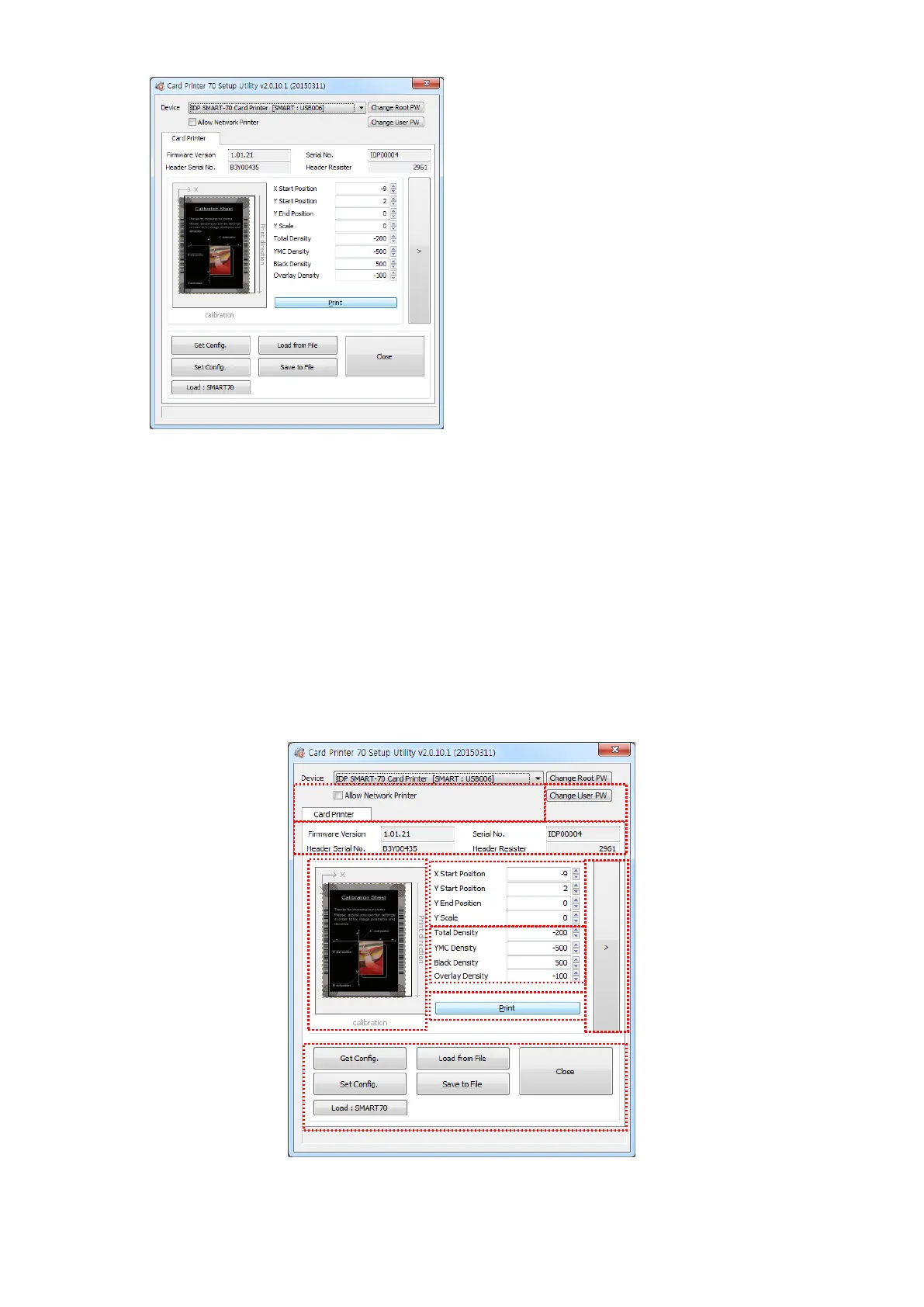
When you are successful to login, the basic
setup of Printer is shown as Figure 94.
Figure 94 CardPrinter70Setup Start
4.1.2 Basic Setup
The basic setup of CardPrinter70Setup shows the firmware version, serial number and etc. of
the connected SMART-70 Printer, frequently used setting values (printing position, density and
etc.) can be adjusted.
Figure 95 Basic Setup of CardPrinter70Setup



 To Next Page