58
2.3.20 Application installation 6
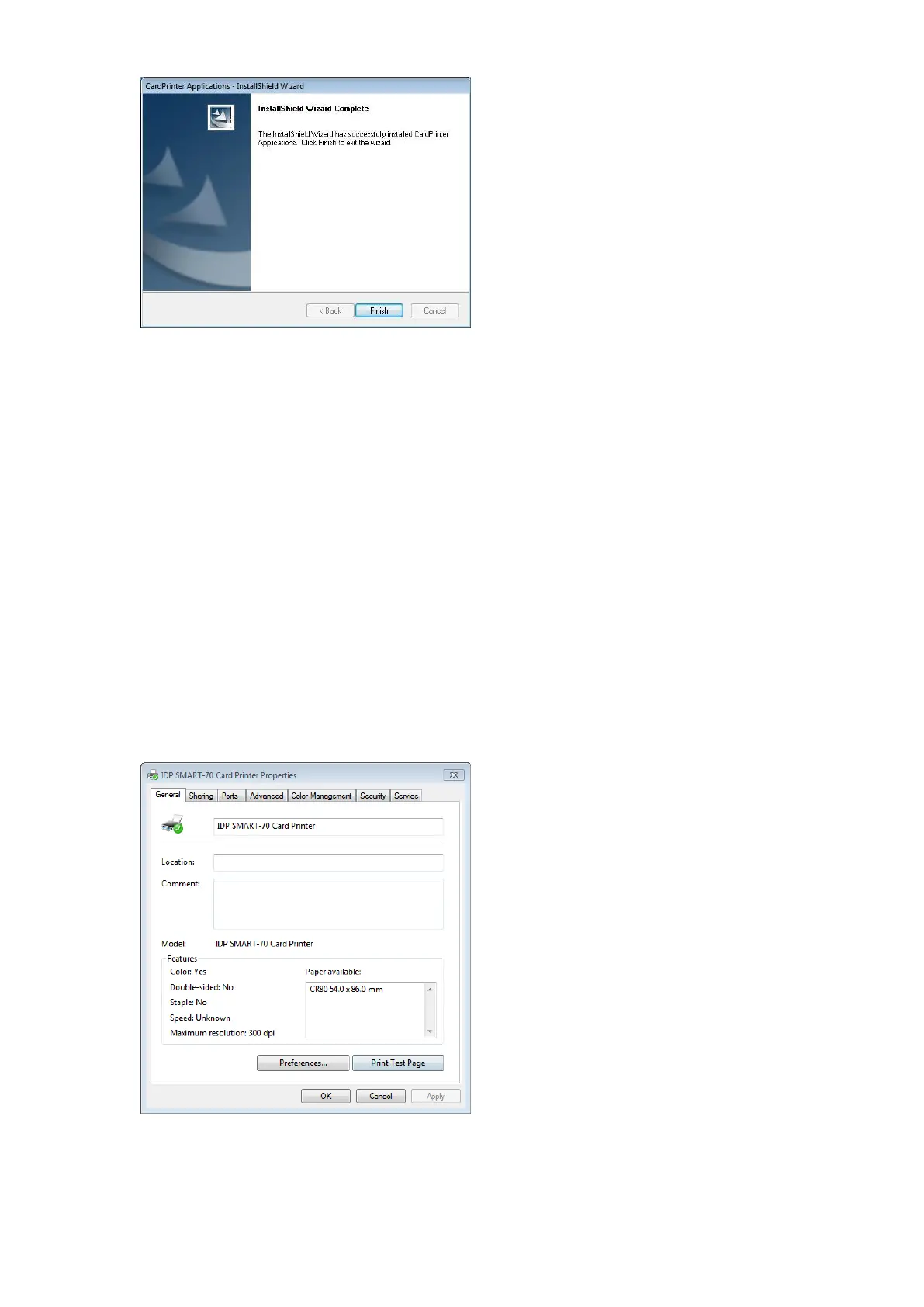
After the application installation is completed,
please click “Finish” and use the installed
application.
Figure 80 Application installation 6
3. Driver configuration
SMART-70 Printer can print cards by selecting various required properties. To adjust printer properties, please
open the Devices and Printers window and right click on “IDP SMART-70 Card Printer” and select “Printer
Properties”.
3.1 Printing preferences
3.1.1 Printing Preferences
Please click “Printing Preferences” on the
“General” tab of Printer Properties window.
Figure 81 Printer properties window



 To Next Page