67
4. SMART-70 Utilities
The installation CD of SMART-70 Printer includes utilities for printer setting, test and firmware
upgrade. This chapter explains the SMART-70 utilities.
4.1 Printer setting
SMART-70 Printer is manufactured and shipped with optimized setting on each one. By the way,
printer setting can be adjusted by using CardPrinter70Setup utility included in the Installation CD
after disassemble and assemble of printer, replacement of some parts or when the adjustment of
printer setting is needed. Printer setting can be adjusted by using CardPrinter70Setup as below.
4.1.1 CardPrinter70Setup
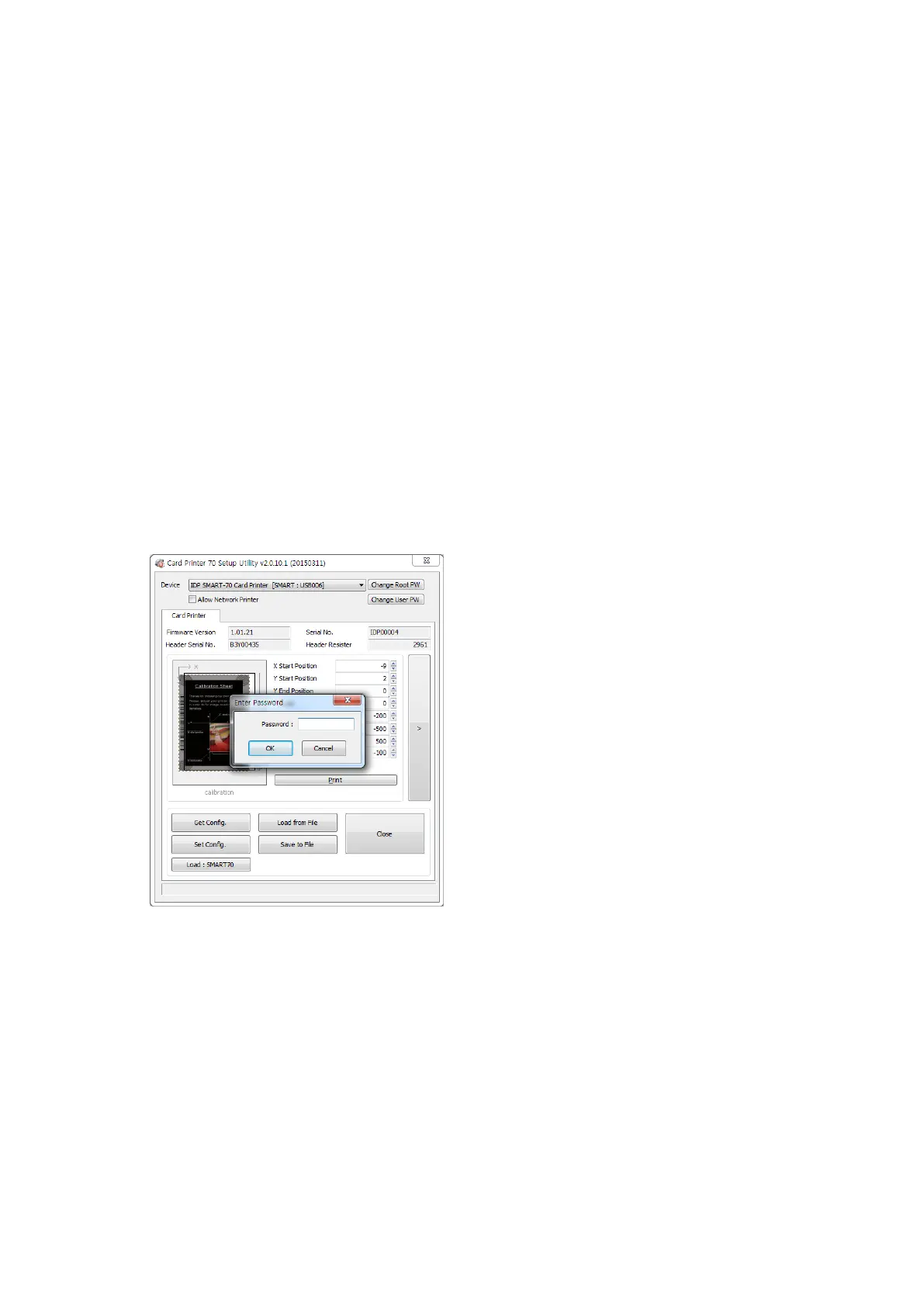
Password input window is displayed when you run
this program. If the correct password is inputted,
the recorded setup values in SMART-70 Printer are
shown and the setup values can be adjusted.
The password for SMART-70 Printer is saved to
the SMART-70 Printer. When the SMART-70
Printer is connected to another PC, the saved
password in the SMART-70 Printer is required to
run this utility and adjust the Printer setting.
(When password has never been set, please click
“OK” because there is no default password in
SMART-70 Printer.)
Figure 93 CardPrinter70Setup Log-in



 To Next Page