99
E. TPH replacement 5
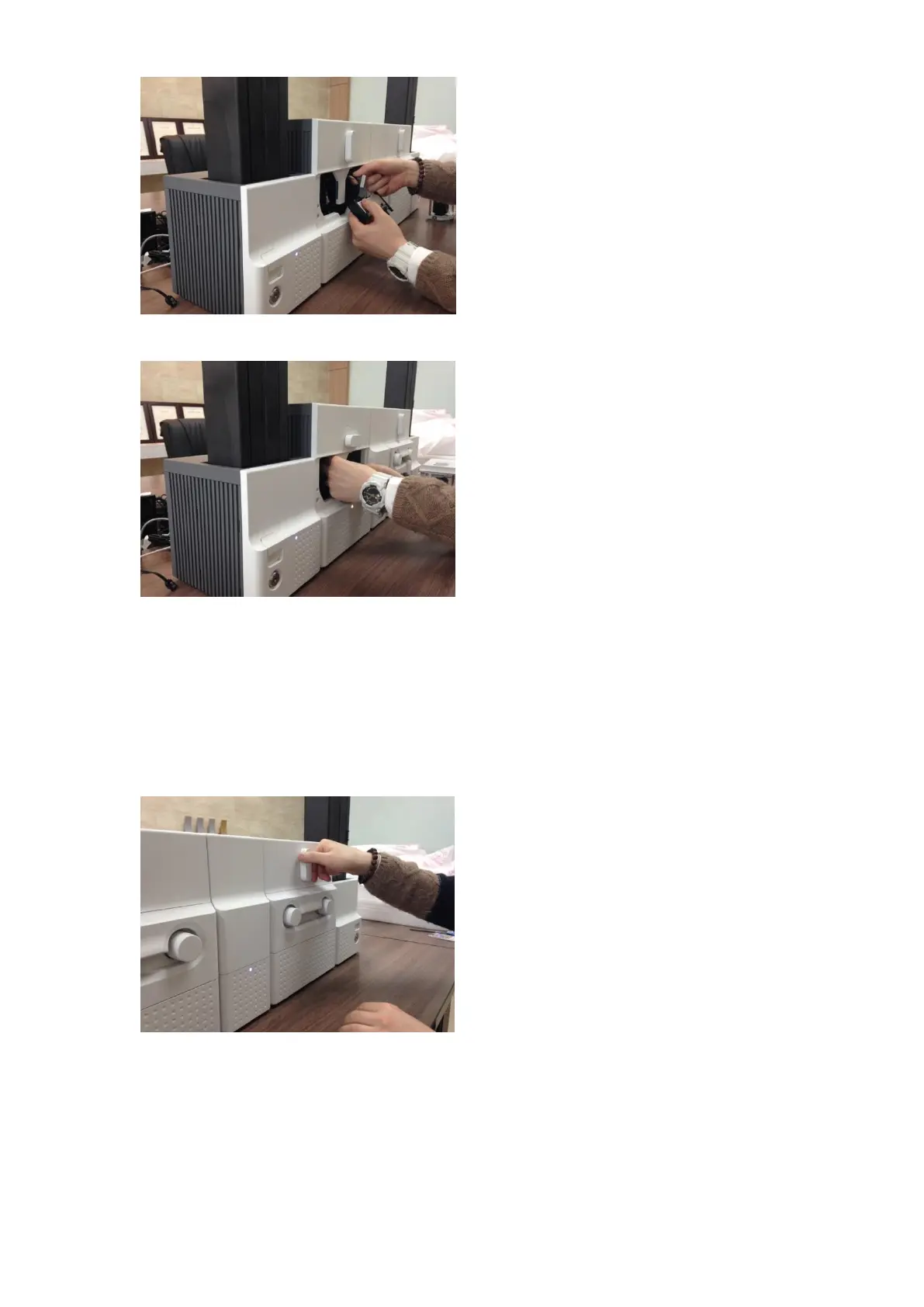
Please disconnect the print head cable from
the detached print head as Figure and then
connect the print head cable to a new print
head.
Figure 155 TPH replacement 5
F. TPH replacement 6
Please install the new print head into Printer
while turning the ribbon cartridge lock lever
to the clockwise 90 degrees as Figure.
Figure 156 TPH replacement 6
5.6 Laminator Head replacement
A. Laminator Head replacement 1
Please turn the film cartridge lock lever to the
clockwise 90 degrees as Figure.
Figure 157 Laminator Head replacement 1



 To Next Page