42
2.1.10 MODULE COMBINATION SETTING
Since SMART-70 is operated by the combination of multiple modules, the configuration for
multiple modules combination must be set during the first installation of the modules. Printer
module acts as master who is responsible to communicate with PC and control other modules,
and if Printer module is not connected, Laminator module will act as master. The configuration
for multiple modules combination can be set in the control panel of Printer module as below.
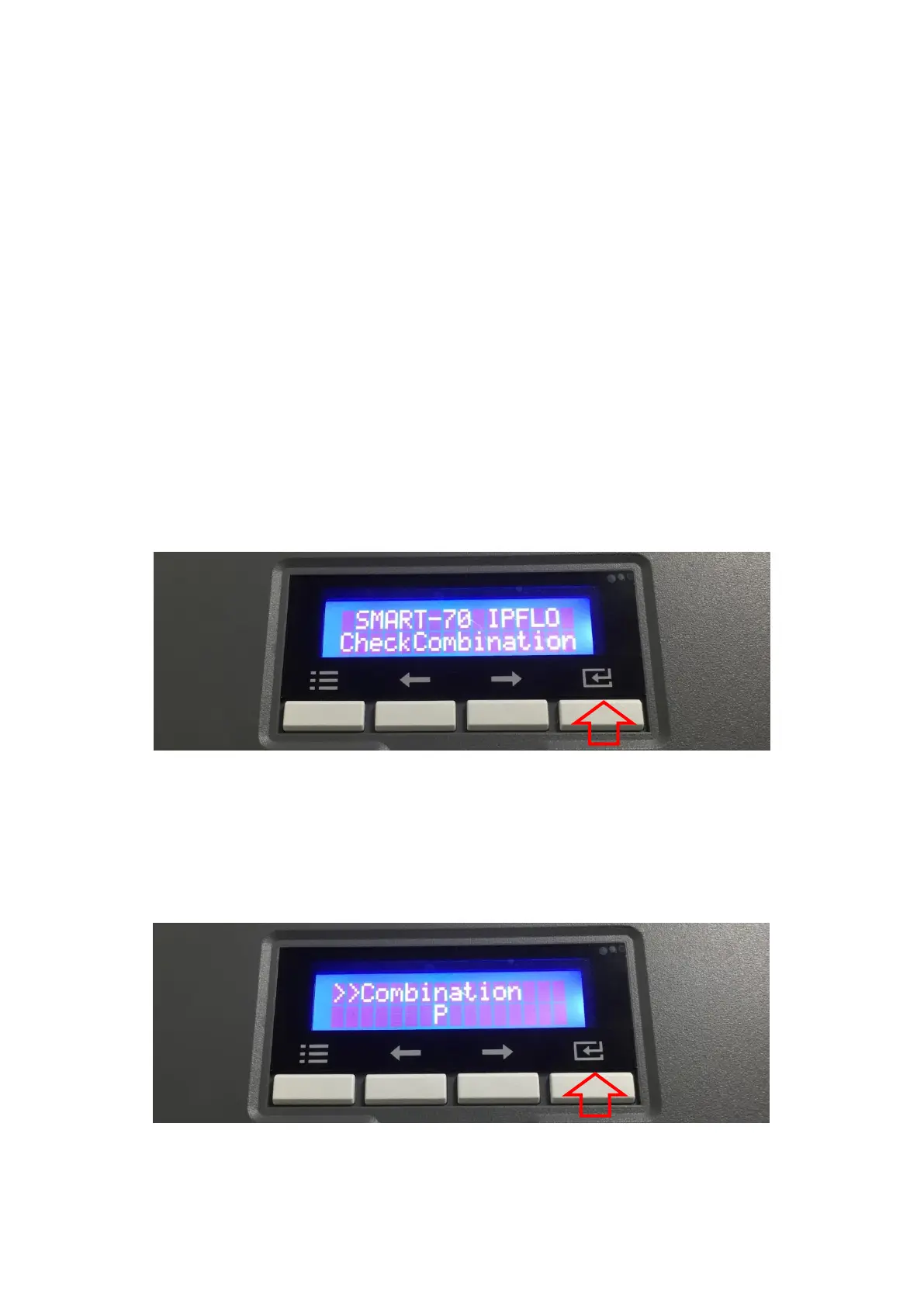
SMART-70 Printer searches connected modules in booting, if the combination of connected
modules is different with the configuration for multiple modules combination, Indicator LED is
turned to yellow and the message for checking modules combination is displayed. Please follow
below steps to set the configuration for multiple modules combinations for initial setting.
A. The modules combination is IPFLO (Input Hopper + Printer + Hybrid Flipper + Laminator +
Output Hopper) but the configuration is different with the actually connected modules, so
the configuration for multiple modules combination must be set again.
Please press the [Select] button indicated by red arrow.
Figure 42 Modules combination checking
B. Existing modules combination is shown. Please press the [Select] button indicated by red
arrow to adjust the configuration for multiple modules combination.
Figure 43 Existing modules combination



 To Next Page