80
4.3.1 Printer connection
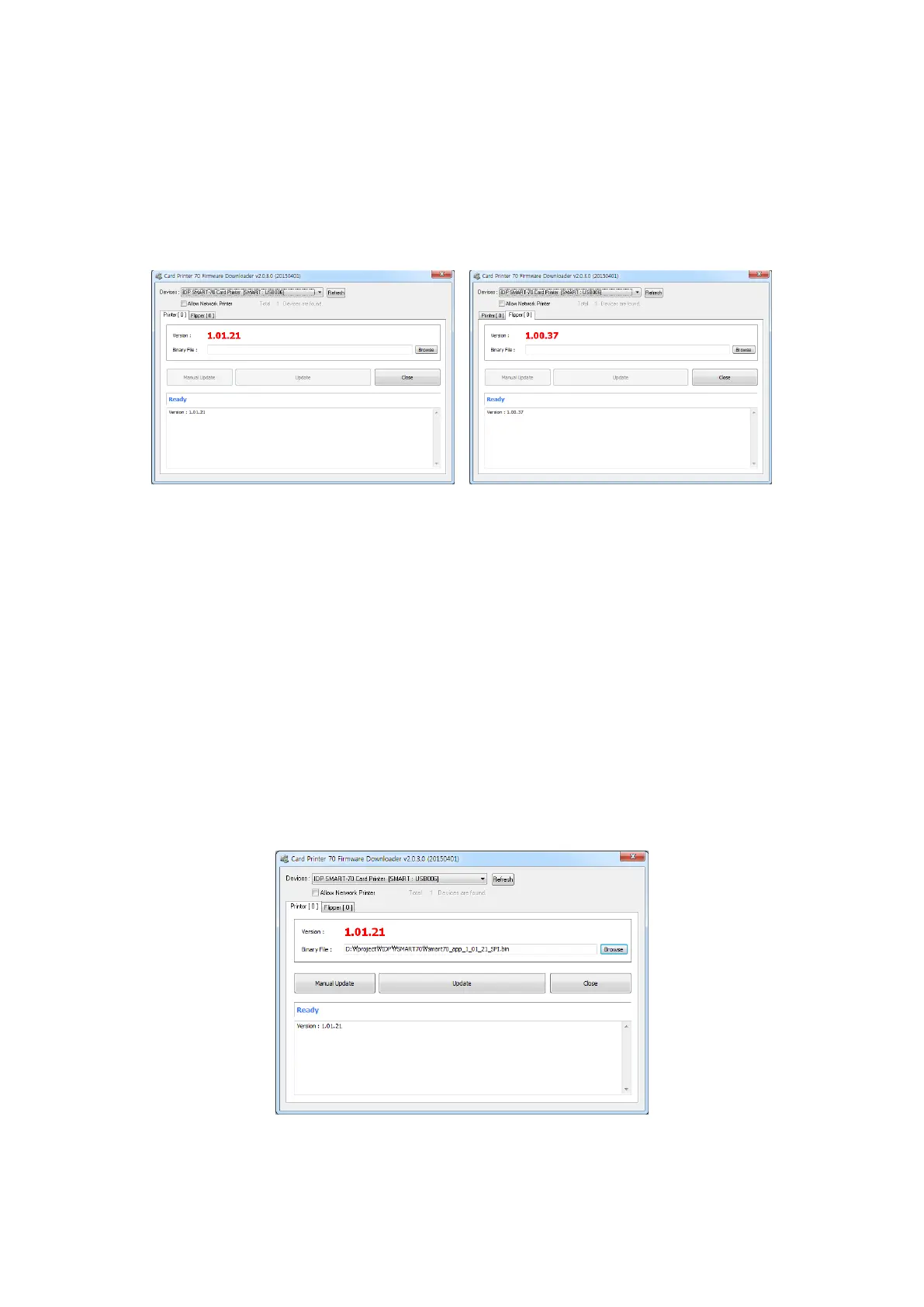
After SMART-70 Printer is connected to PC and the connected Printer is selected on Devices of
CardPrinter70Firmware, all modules of SMART-70 System are displayed as tabs.
SMART-70 System is combined by "Printer module 0" and "Hybrid Flipper module 0" as Figure
103.
Figure 103 Modules of SMART-70 System (Printer, Hybrid Flipper)
4.3.2 Module Firmware Upgrade
After clicking the tab of the combined modules of SMART-70 System such as “Printer [ 0 ]” or
Hybrid Flipper [ 0 ]”, please click “Browse” and search and select the new firmware for the
module. After selecting the new firmware, “Manual Update” and “Update” is activated. Please
click “Update” for automatic firmware upgrade, and the Printer is automatically rebooted after
firmware upgrade.
(Caution. Please do not do another job until the firmware upgrade is successfully completed
and do not turn off the Printer.)
Figure 104 Ready for firmware upgrade



 To Next Page