70
Y End Position: Please set the end position of printed example image and blank space in
the bottom is 0.4mm ~ 0.5mm. It is recommended to set bigger value for “Y scale” than
default.
Y Scale: Please set to print all circles in the bottom of card.
⑥ To set printed density. SMART-70 enables to set different density for each color, resin black
and overlay. So, proper setting on each density is needed for high quality. Please optimize
the quality by adjusting each value. To optimize, you repeatedly adjust the density and
print a Calibration card by using color ribbon and clicking “⑦ Print”, and please check the
printed state until you get the optimum.
Total Density: To set all of the density (Color, Black and Overlay) at one time.
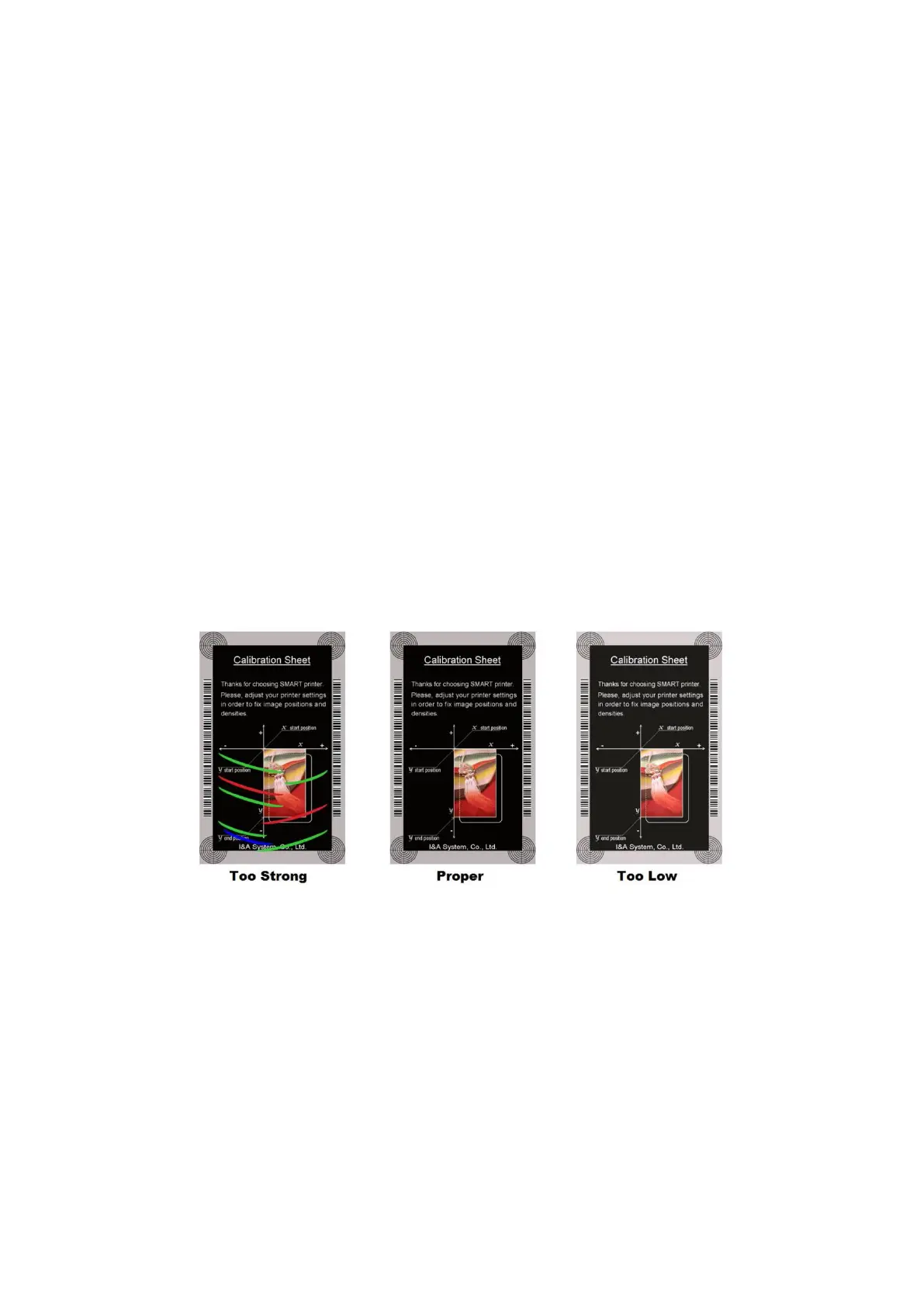
YMC Density: To set color density. Please maximize YMC density as you can, which enables
to extend range of color and to print vivid images. If it is too strong, green or red marks
are appeared as Figure 93. If it is too weak, the print quality will be dull.
Figure 96 Color density
Black Density: To Set resin black density. In the picture, barcode is printed by resin black.
When density is too strong, barcode is printed too thick. When density is too weak, barcode
is too thin. Please adjust resin black density to print clear barcode. Please refer following
pictures.



 To Next Page