76
⑦ Message: To display messages when this utility is run.
4.2.1 Printer selection and basic control
When CardPrinter70Test is run, Printers connected via USB are automatically searched and can
be selected by priority. After setting "Allow Network Printer", all Printers connected via USB and
network can be selected. Other Printer can be selected by using pull-down menu. When a
printer is connected to this utility, the basic control, print and monitor can be tested.
The basic control functions will be provided later.
4.2.2 Print Test
Print is to print a CSD file designed by SMART Design. This function will be provided later.
4.2.3 Batch Job
Batch job is to test the status of encoding and decoding continuously. This function will be
provided later.
4.2.4 Monitor
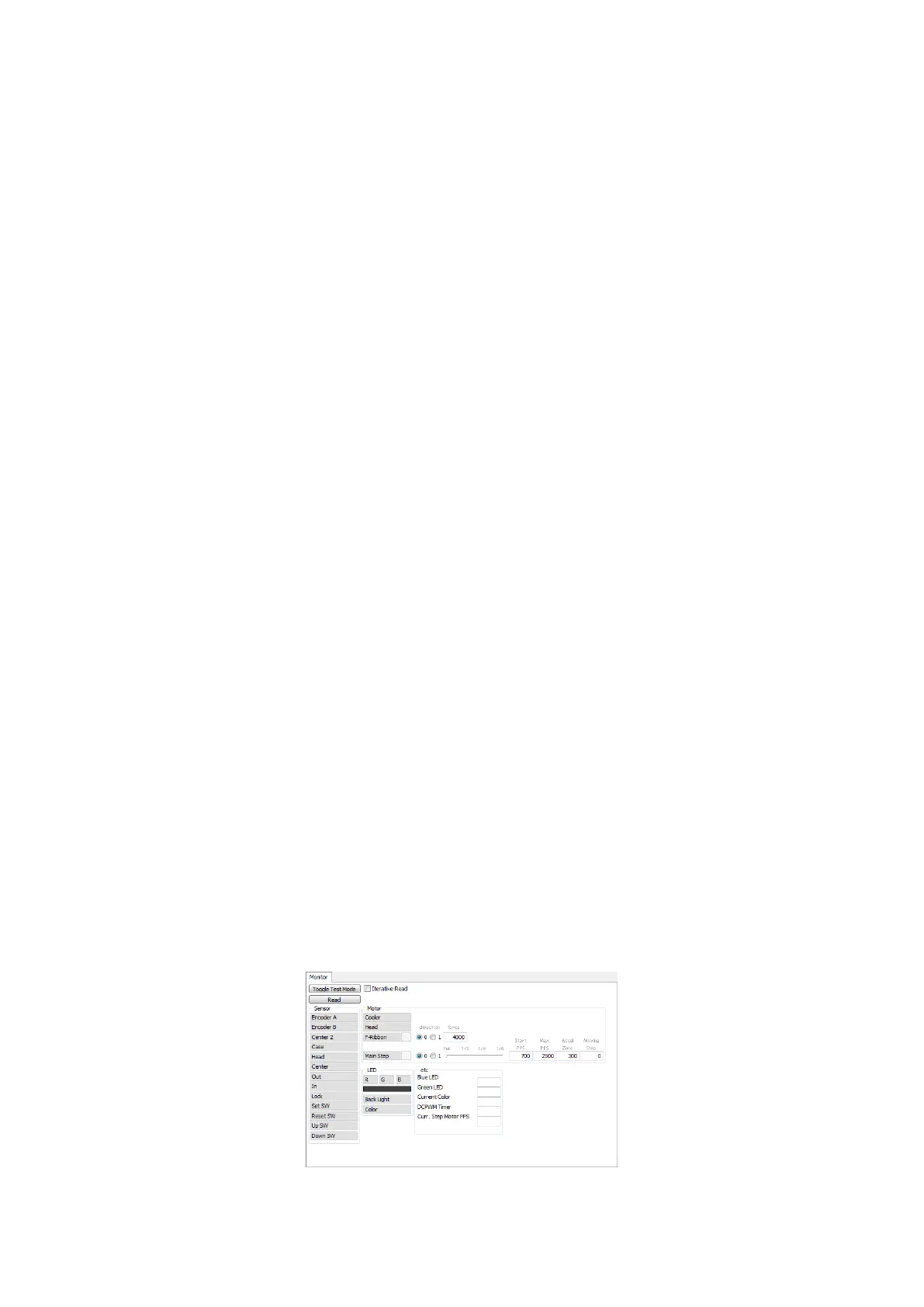
Monitor is to check the status of Printer in the “Monitor” tab.
Toggle Test Mode: To switch between normal mode and board test mode.
Read: To read the status of sensors and motors from Printer.
Iterative Read: When the “Iterative Read” is set, the status of sensors and motors is periodically
read from Printer.
Figure 101 Monitor



 To Next Page