43
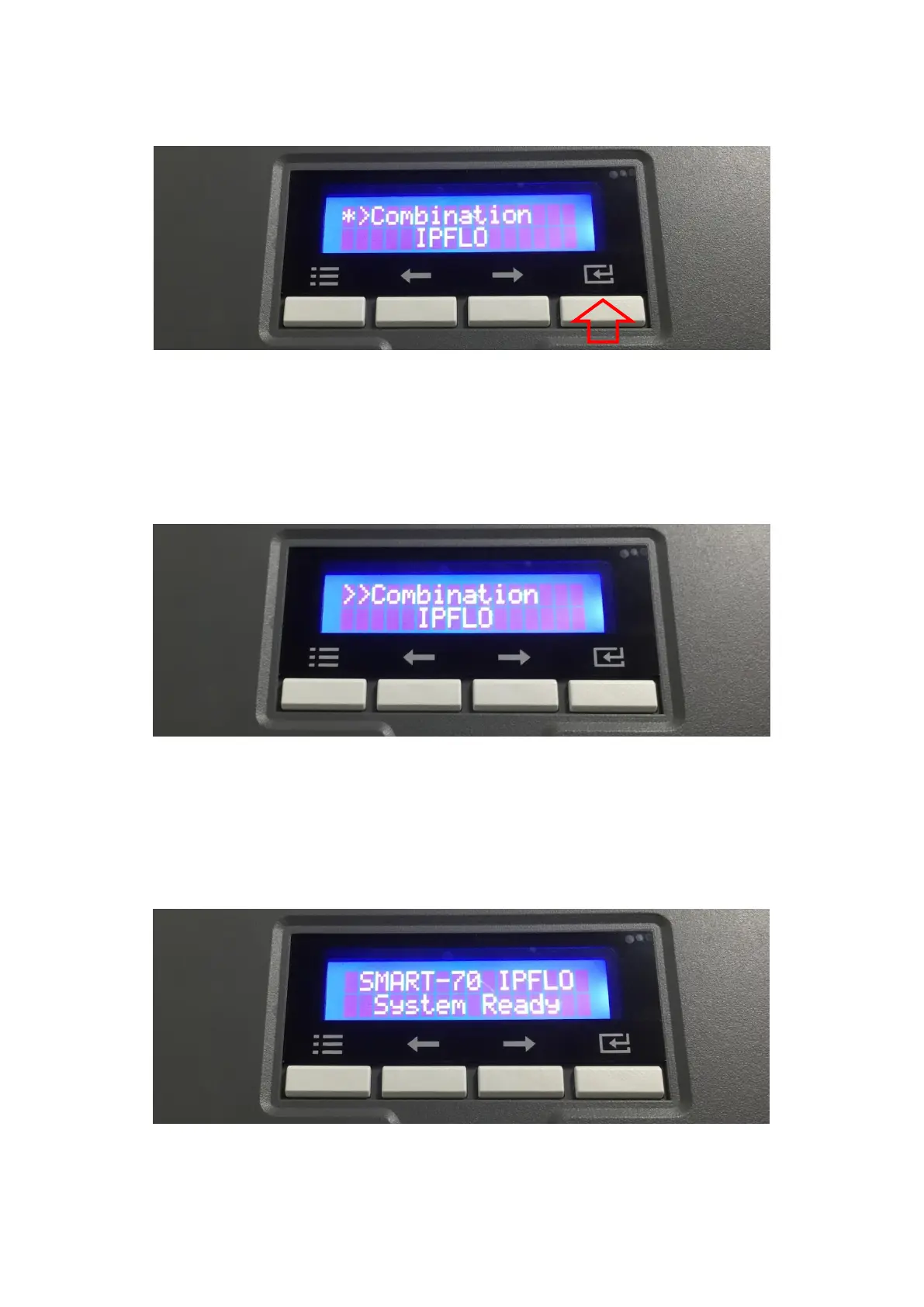
C. The detected modules combination is shown. Please press the [Select] button indicated by
red arrow to save the configuration for detected multiple modules combination.
Figure 44 Adjusted modules combination
D. The saved multiple modules combination is shown.
Figure 45 Saved module combination
E. Please wait a while until system is ready.
Figure 46 Completed module combination



 To Next Page