84
5.2 Card supply
5.2.1 Card is not supplied or 2 cards are supplied from
Input Hopper
Non-standard or bad cards :
Please change cards
(ISO CR80 card (54mm x 86mm) must be used).
Card cartridge is improperly loaded :
Please properly load the card cartridge into
Input Hopper again.
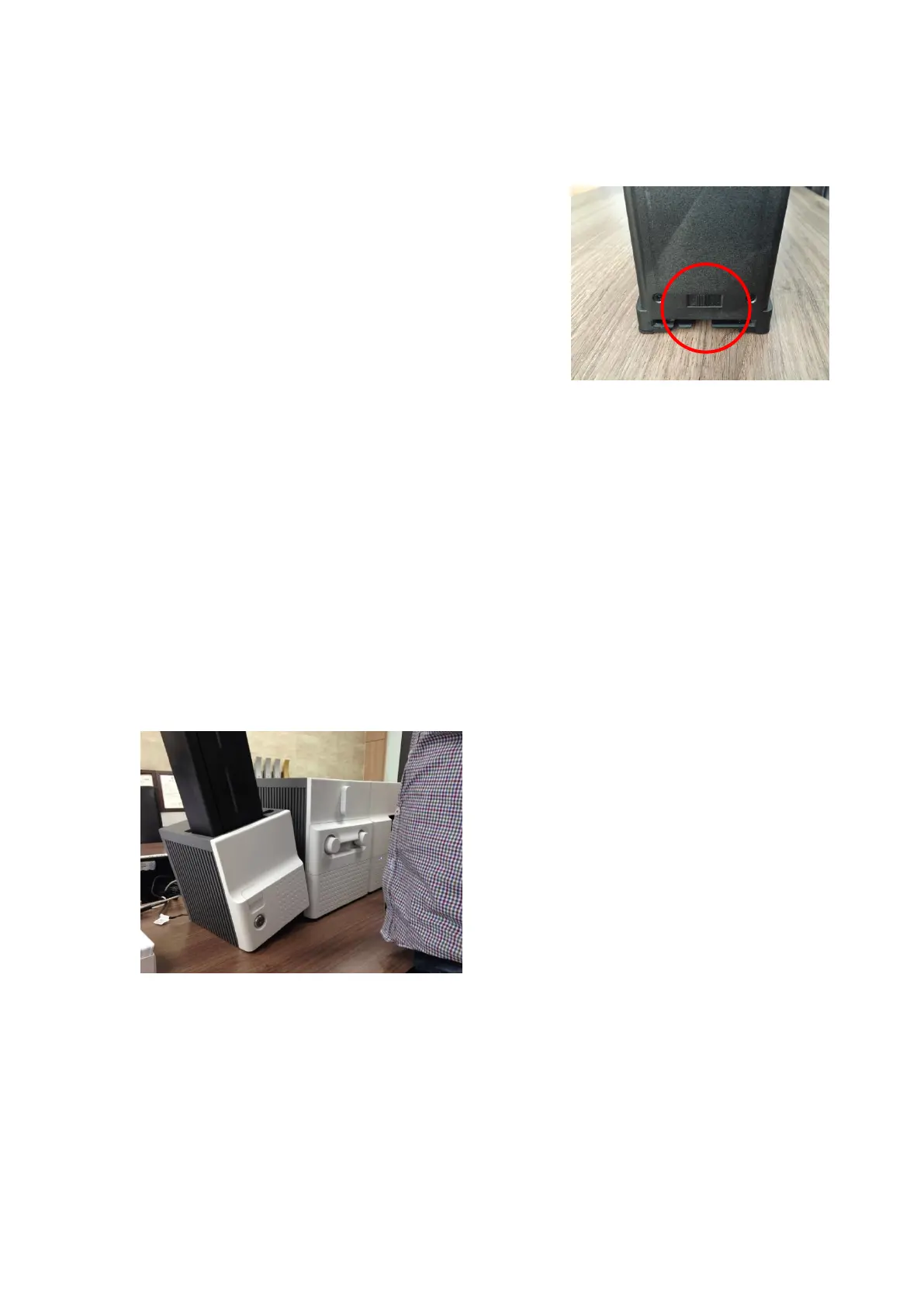
Card thickness of card cartridge is improperly set :
Please properly adjust the card thickness control lever
depending on the thickness of card. In case card is not
supplied, please adjust the lever to the right.
In case 2 cards are supplied, please adjust the lever
to the left.
5.3 Card jam
5.3.1 Card jam in Input Hopper
A. Card jam in Input Hopper 1
Please separate Input Hopper as Figure
after disconnecting power adaptor and
communication cable at rear side.
Figure 112 Card jam in Input Hopper 1
Figure 111 Card supply problem 1



 To Next Page