82
5. Troubleshooting
5.1 Printing quality
5.1.1 Unprinted or wrong colors printed spot
The card surface is contaminated by foreign substance :
After checking the status of card, please change it
to another clean card.
The cleaning roller is contaminated :
After checking the cleaning roller. If the cleaning roller
is contaminated too much, please change a disposable
cleaning roller.
Dust is too much in printer :
Please clean the inside of printer by using cleaning kit.
5.1.2 Unprinted horizontal line
The print head is contaminated by foreign substance :
Please clean the print head by using cleaning kit.
The print head is damaged :
Please contact the local supplier to replace the print head.
The ribbon cartridge is improperly installed :
Please check the installation status of ribbon cartridge
and whether the print ribbon has wrinkles.
5.1.3 Blurry or unstable print
Uneven or bad surface of card :
Please change cards.
Too high or too low setting of color density :
The printing density of your printer must be adjusted. Please
contact the local supplier.
The print head is contaminated by foreign substance :
Please clean the print head by using cleaning kit.
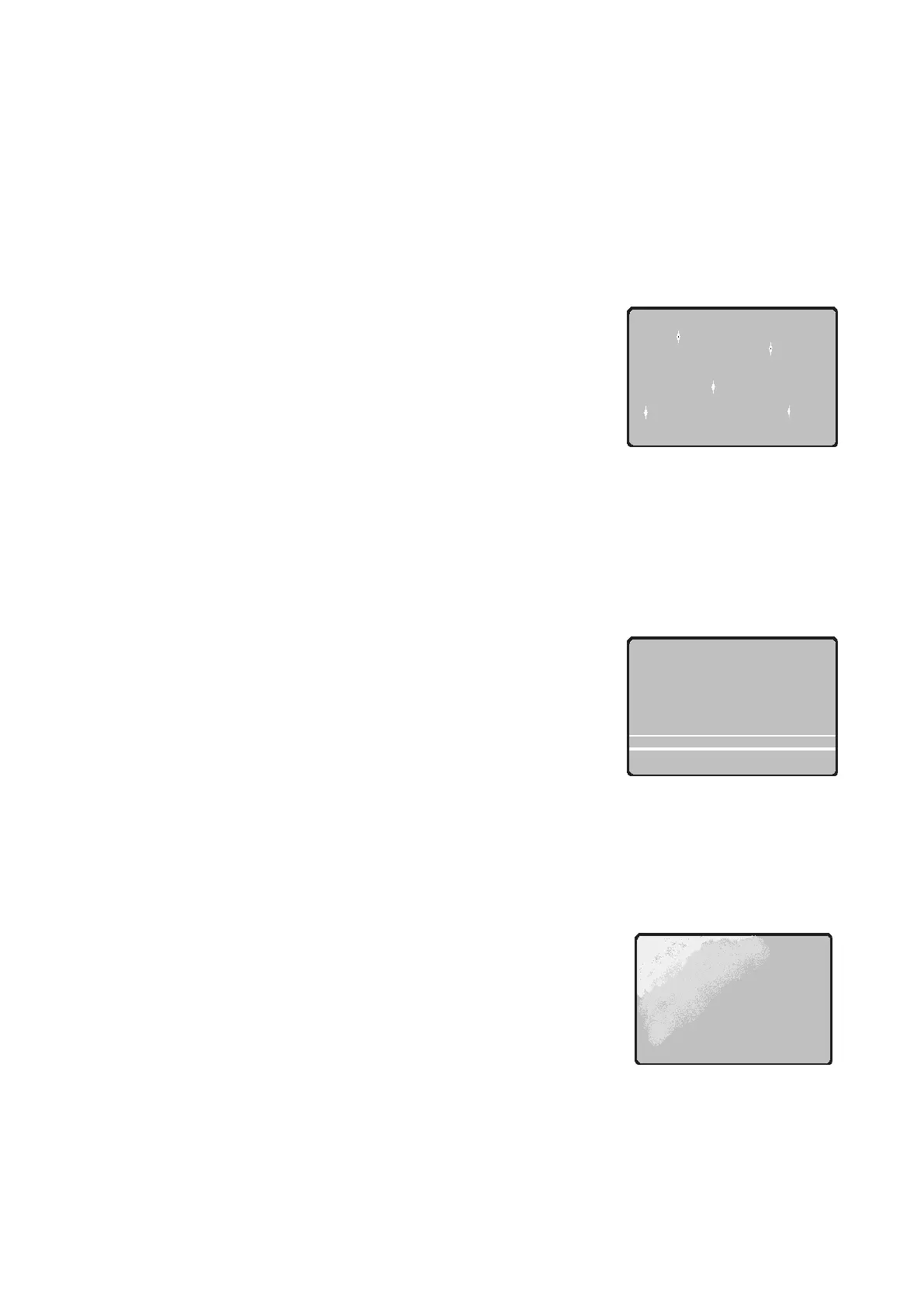
Figure 106 Printing quality trouble 1
Figure 107 Printing quality trouble 2
Figure 108 Printing quality trouble 3



 To Next Page