65
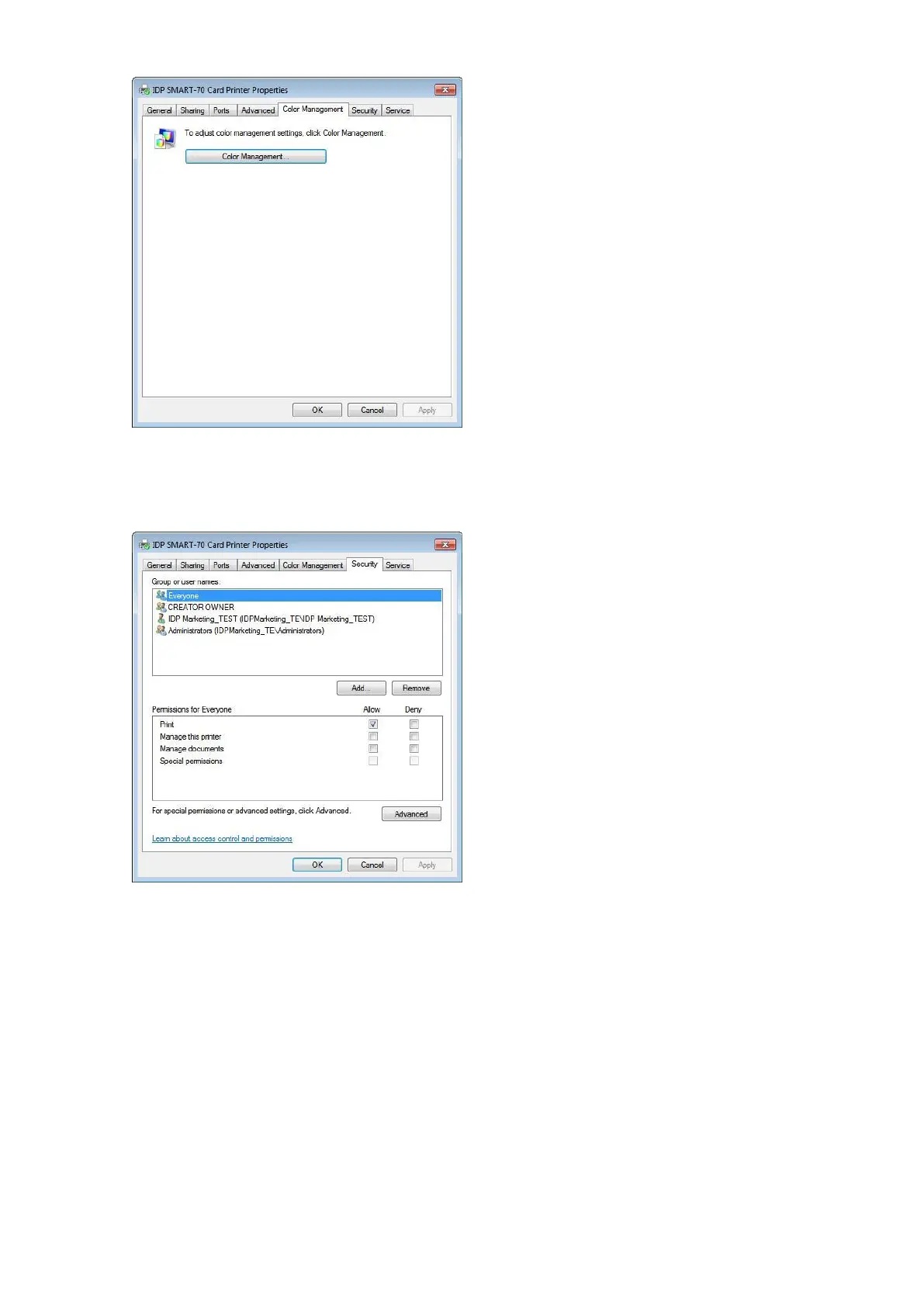
3.3.4 Color Management
The proper color profile for Printer can be set on
the Color Management tab. For supporting the
optimized color printing, SMART-70 Printer can
automatically set the color profile depending on
the ribbon type loaded in Printer because the
ribbon type is automatically recognized.
(No adjustment on the Color Management
setting is recommended.)
Figure 90 Color Management settings
3.3.5 Security
The access control and permissions for Printer
can be set. According to the authority, the
printing, management and special authority can
be permitted.
Figure 91 Security setting



 To Next Page