87
C. Card jam in Printer 3
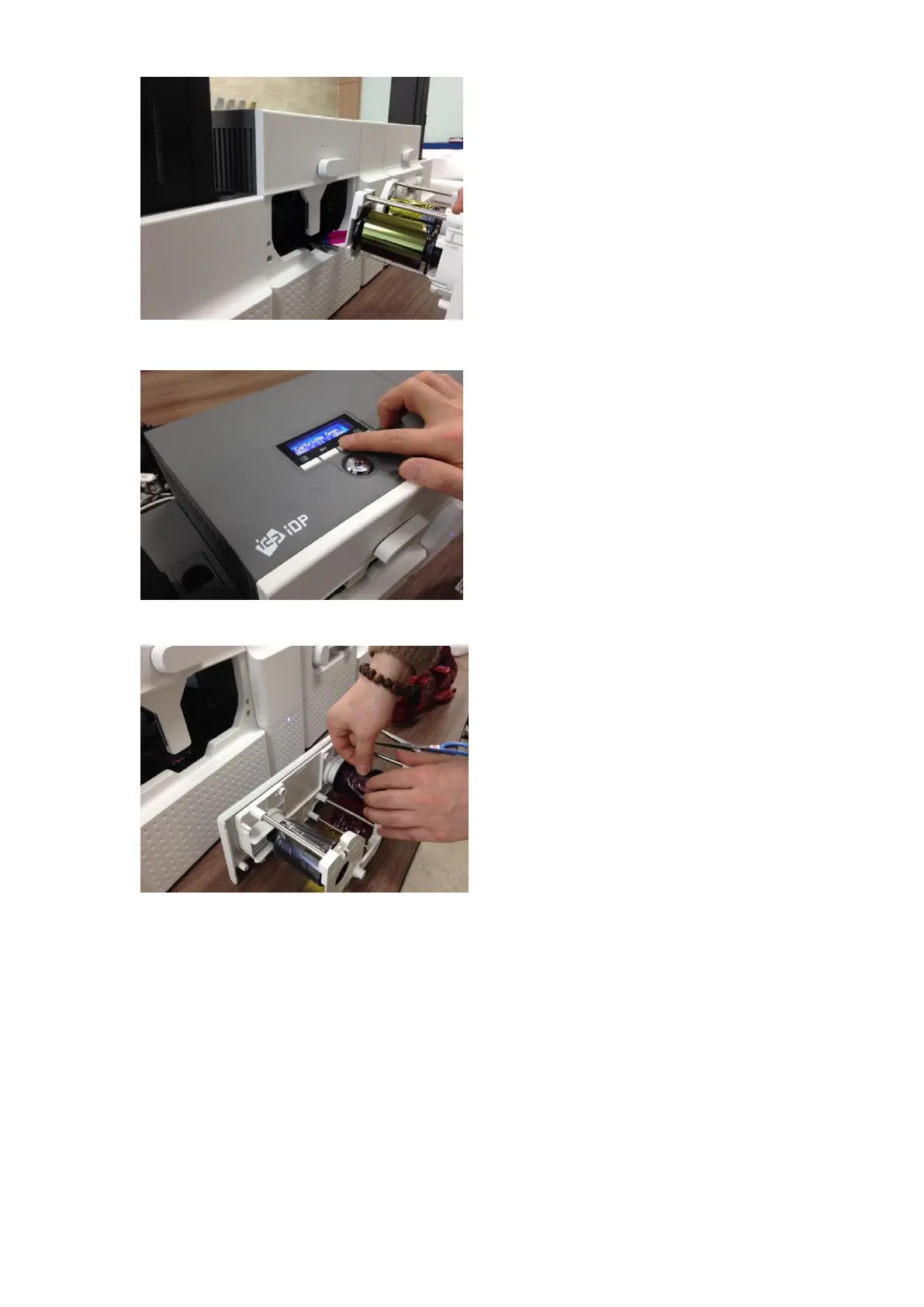
If print ribbon is stuck to card or coiled on
rollers as Figure, the ribbon cartridge may not
be pulled out easily. In this case, please cut
the ribbon or slowly pull out the ribbon
cartridge while pressing the “” or “”
button on the control panel of Printer little by
little.
Figure 119 Card jam in Printer 3
D. Card jam in Printer 4
To remove a jammed card in Printer, please
press the “” button on the control panel of
Printer until the jammed card is completely
ejected.
Figure 120 Card jam in Printer 4
E. Card jam in Printer 5
If print ribbon is cut, please stick the cut
ribbon together by using a sticky tape and
then turn the dial on ribbon cartridge until
unused panel of ribbon is on take-up core.
Figure 121 Card jam in Printer 5



 To Next Page