48
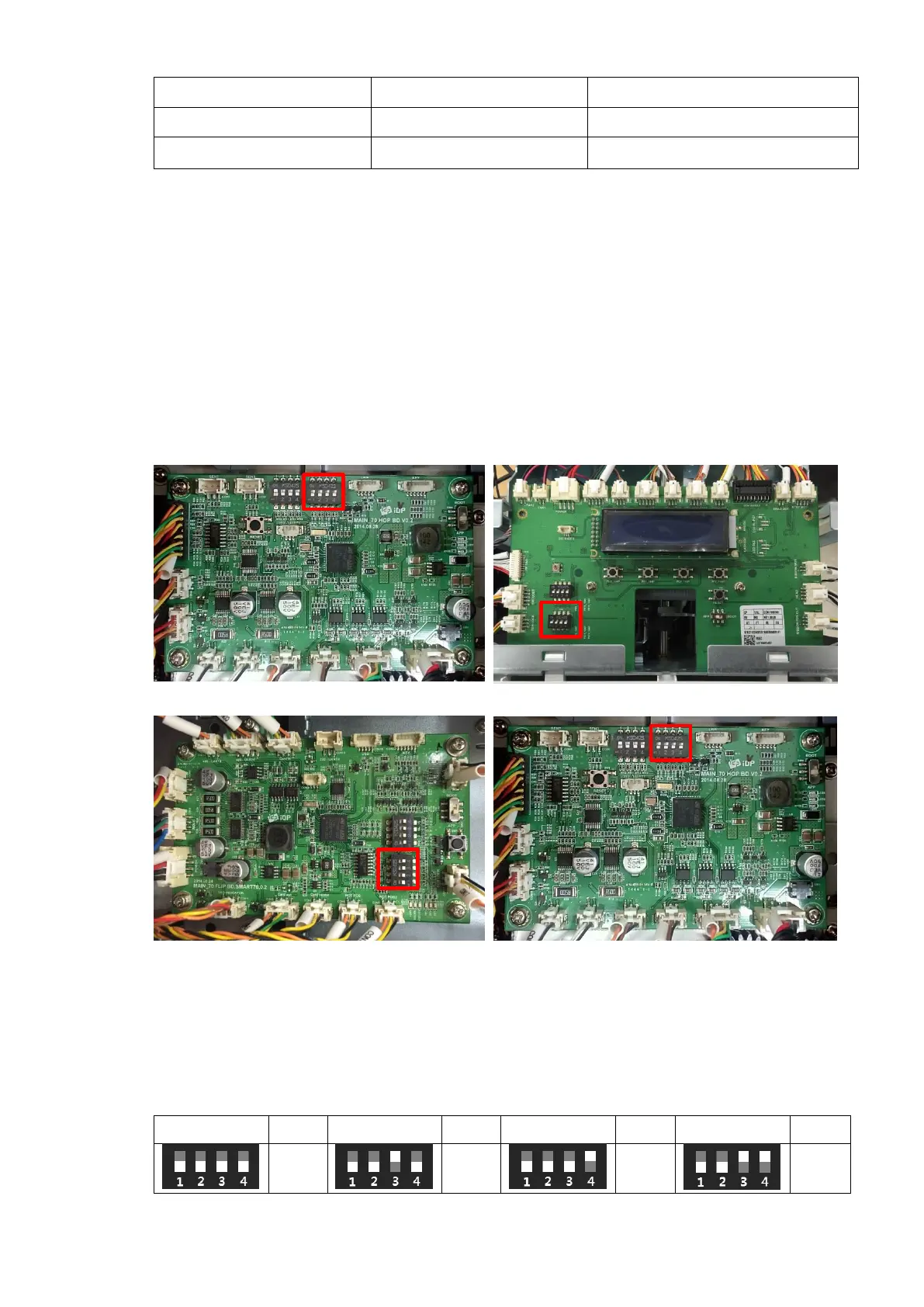
To adjust the module ID, the DIP switch on the main board of each module except Printer
should be changed after removing the case. The DIP switch of each module is as below Figure
74.
SMART-70 Printer doesn’t have the DIP switch, the module ID is automatically set to 0x40 when
the Printer is the Master and the module ID is automatically set to 0x41 when the Printer is the
Slave.
Figure 55 DIP switch location of SMART-70 module
The module type M is fixed as Input Hopper = 1 (0b1000), Laminator = 5 (0b1010), Hybrid
Flipper 6 (0b0110) and Output Hopper 7 (0b1110). The module number is able to be adjusted
as below.



 To Next Page