Micromate Operator Manual – 721U0201 Revision 6 39
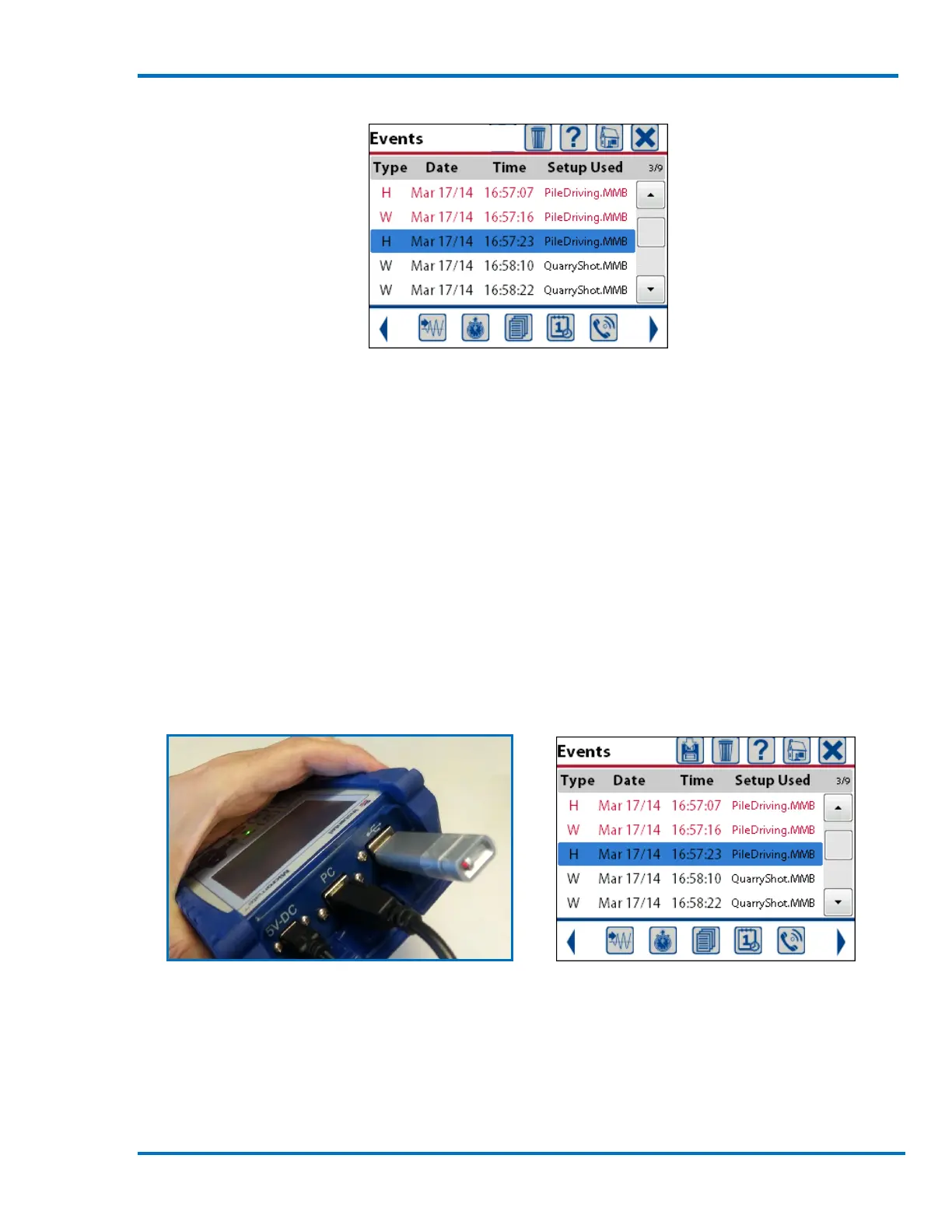
Sample List of Events
b. Save Events to USB Memory Stick
The Save icon appears at the top of the events list display if a compatible USB memory stick has
been inserted into the Micromate’s USB port. This allows event retrieval from the Micromate
without using a computer. The save function will make a copy of the events on the memory stick,
it will not delete the events.
NOTE: The memory stick must be formatted with a File Allocation Table (FAT) of FAT 16 or FAT 32.
Refer to the manufactures instructions and your Windows manual for more information on the FAT
system.
While viewing the list of events insert the USB memory stick into the Micromate’s USB port as
shown below. The Micromate will automatically detect the presence of the memory stick and
display the save icon.
USB Memory Stick Inserted Save Icon Now Available
Select the event(s) to be copied to the memory stick and press the save icon. This will display a
message asking which events are to be copied. The three options for copying events are Copy
Selected Events, Copy All Events & Log or Copy Current Event. Once the Micromate has started
copying the events, the cancel key or cancel icon can be used to stop the process.



 To Next Page