Micromate Operator Manual – 721U0201 Revision 6 41
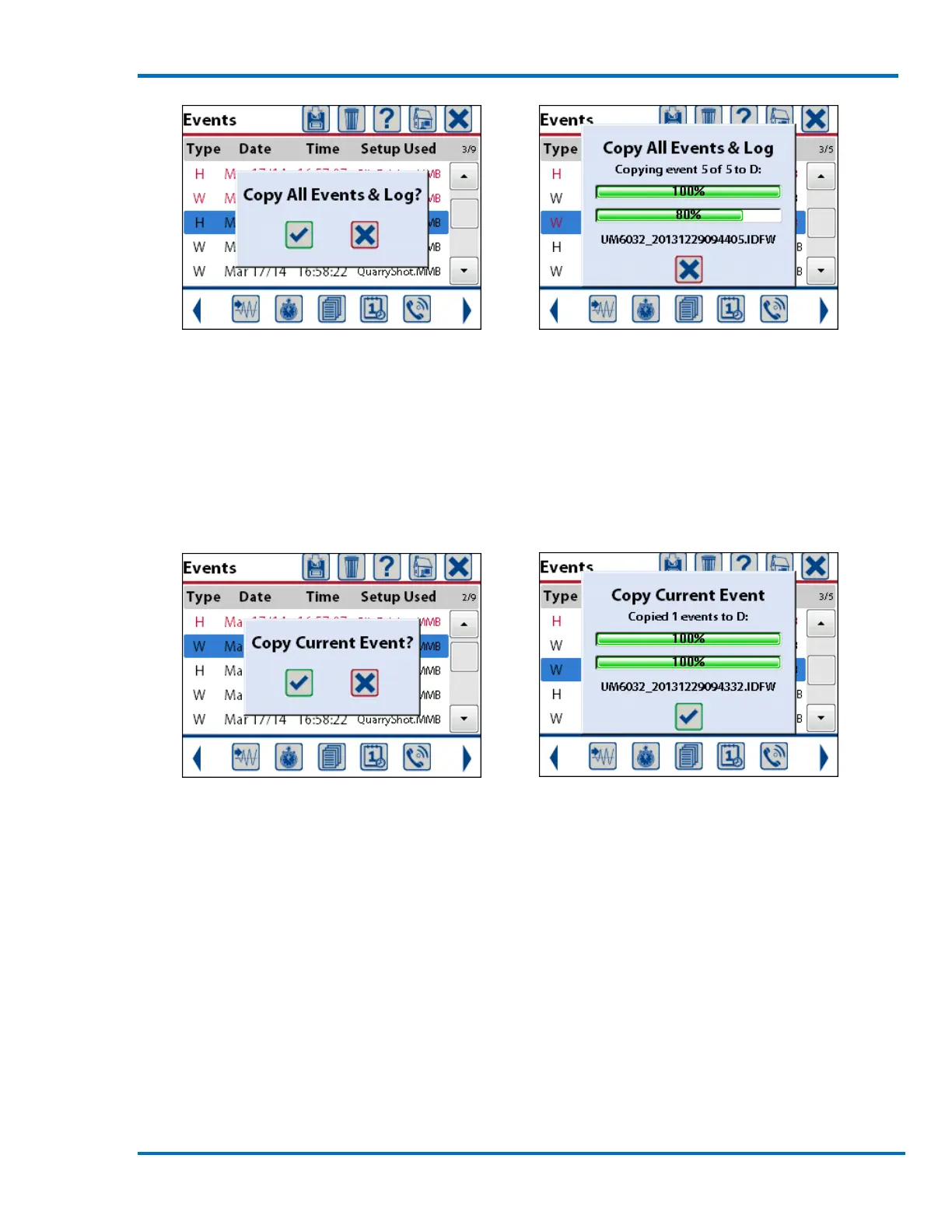
Confirm Copy Selection Copying Completed Press Check Mark
Selecting Copy Current Event will copy only the one event that is highlighted by the blue bar. A
message confirming the selection will be displayed. Pressing the check mark key or touching the
check mark on the screen will start the copying of the event. A status window will be displayed
showing the progress of the event in the top progress bar and the overall progress in the bottom
progress bar. When the event has been copied press the check mark to confirm and clear the
window.
Confirm Copy Selection Copying Completed Press Check Mark
c. Print Events
Note Printing is only supported when the Micromate is configured for the English language. For
other languages, use a memory stick to copy and transfer the events or connect the Micromate to
the computer directly to print reports using Instantel’s computer software.
The Print icon will only appear at the top of the event list when a compatible portable printer has
been powered on and connected to the Micromate’s USB port. The Micromate provides an
integrated printer driver to interface to the Citizen® CMP-30BTU (Instantel Part No. 72100101)
third party portable field printer. This printer allows for hard copy reports to be printed in the field.
Instantel does not support unauthorized printers.
To print events on the external printer:
1) Press the down arrow or event list icon to display the event list.



 To Next Page