88 Micromate Operator Manual – 721U0201 Revision 6
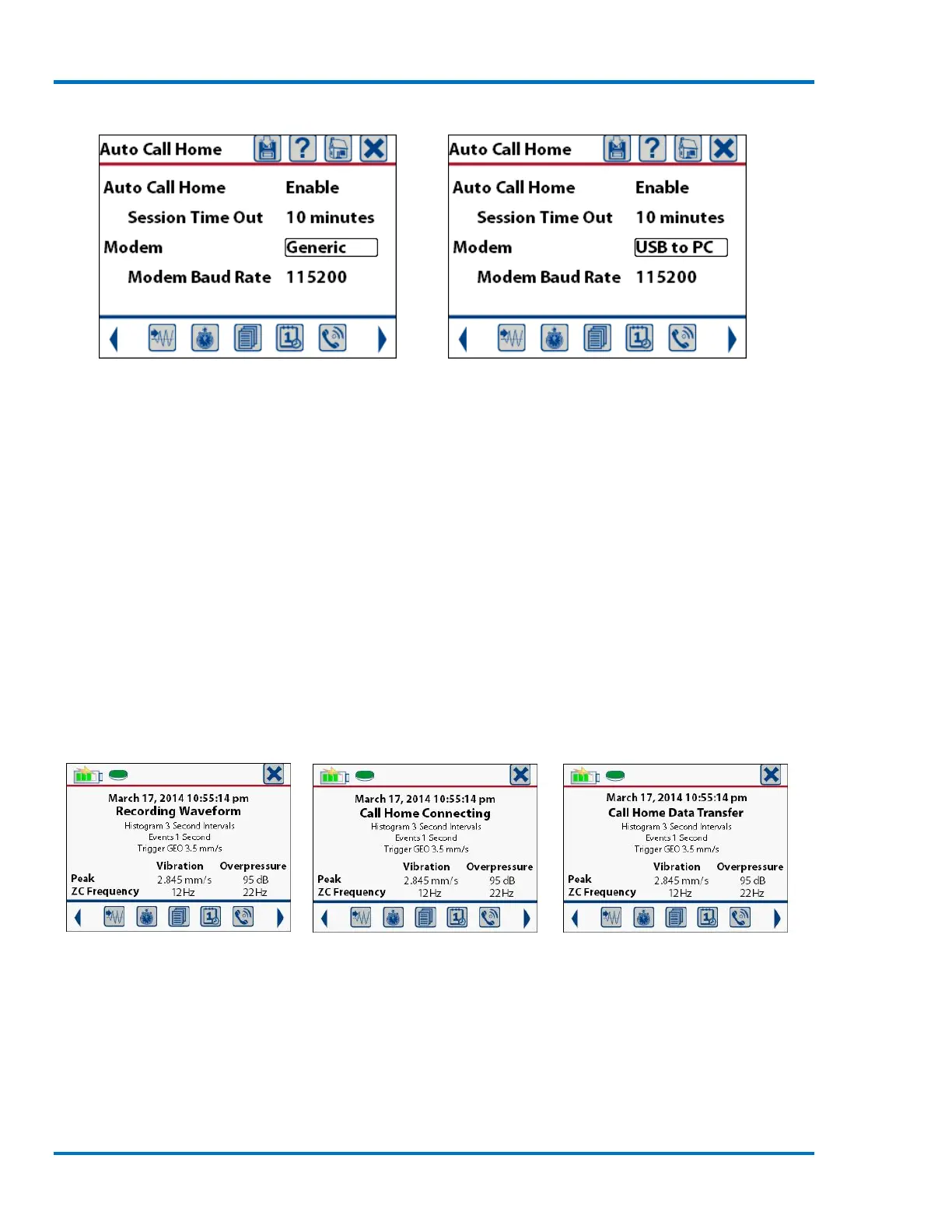
Auto Call Home Screen Setting the Modem Type
The modem baud rate is used to set the speed at which the data will be transmitted from the
Micromate to the modem. The options for the baud rate are 9600, 19200, 38400, 57600, 115200
and 230400 bits per second (bps). This baud rate must match the baud rate set on the modem.
Refer to the Blastware manual for additional information.
Using the Blastware program, the Micromate can be configured to perform Auto Call Home while
the unit continues to monitor and/or record event data or to pause monitoring and send the event
data. These configurations will display different messages on the Micromate.
a. Monitor While Calling Home
If Auto Call Home is configured to call home after an event, and to monitor while calling home,
then anytime the Micromate records a waveform event it will connect to the modem and transfer
the waveform event back to the remote computer. If the Micromate is recording in histogram or
histogram combo mode, the histogram event will NOT be interrupted or sent back to the server
until it has been completed.
Sample Recording Screen Establishing Connection Transferring Event
To manually exit and complete a histogram event press the cancel icon or cancel key. Histogram
event can also be closed automatically through the preconfigured scheduler. Once the histogram
has been completed, the Micromate will start an Auto Call Home session.



 To Next Page