Chapter 1 Application scenario 8
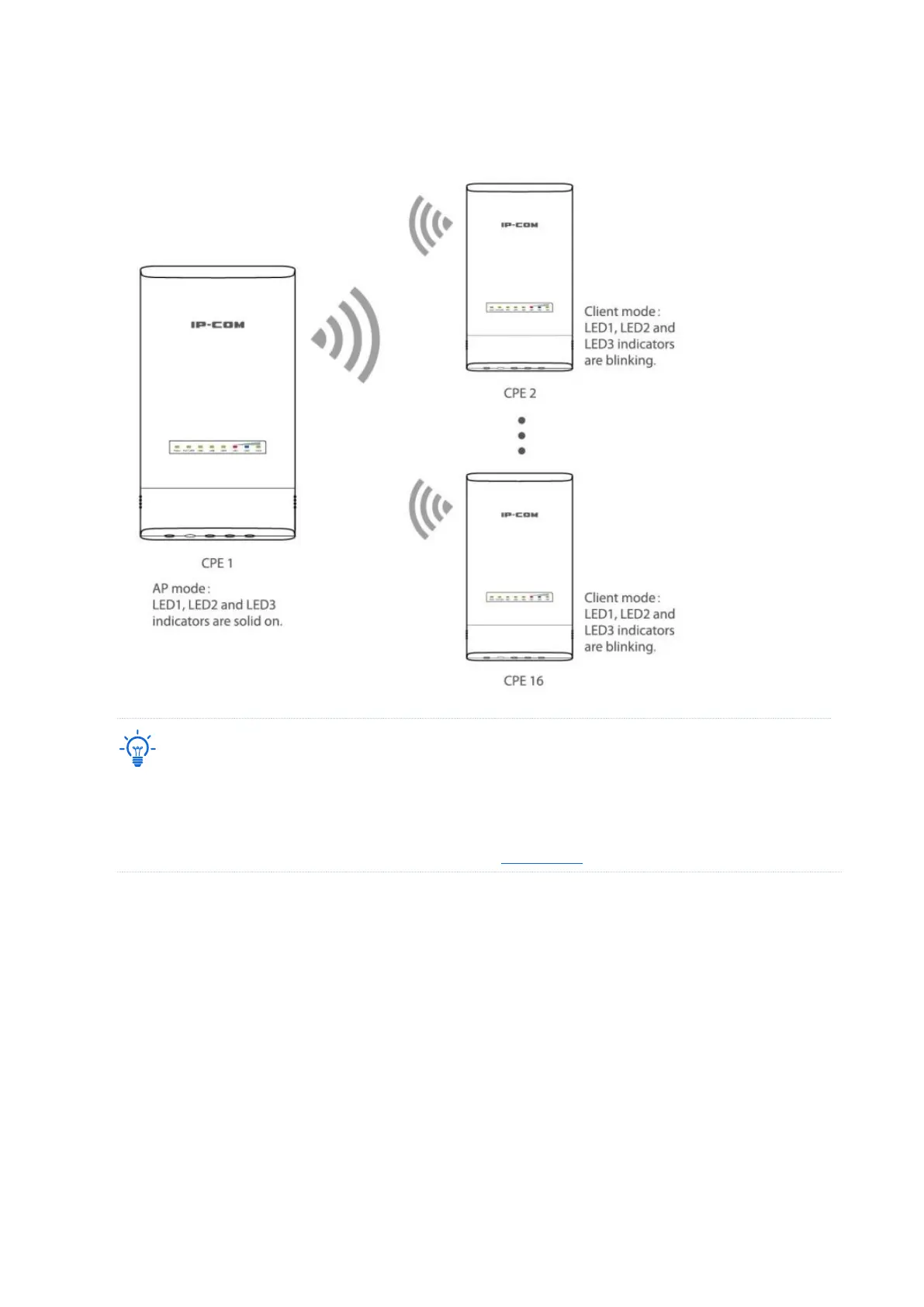
Wait about 1 minute. When the LED1, LED2, and LED3 indicators of these new-added CPEs
keep blinking, the peer-to-multiple peers bridging succeeds.
− If the LED1, LED2 and LED3 indicators of a new-added CPE turn off after it is powered on for 1 minute,
the bridging fails. Reset the CPE to factory settings, and wait until its LED1, LED2 and LED3 indicators
keep blinking, which indicates that the automatic bridging succeeds.
− If the bridging still fails, try manual bridging. Refer to Client mode for details.



 To Next Page