Chapter 2 Login 17
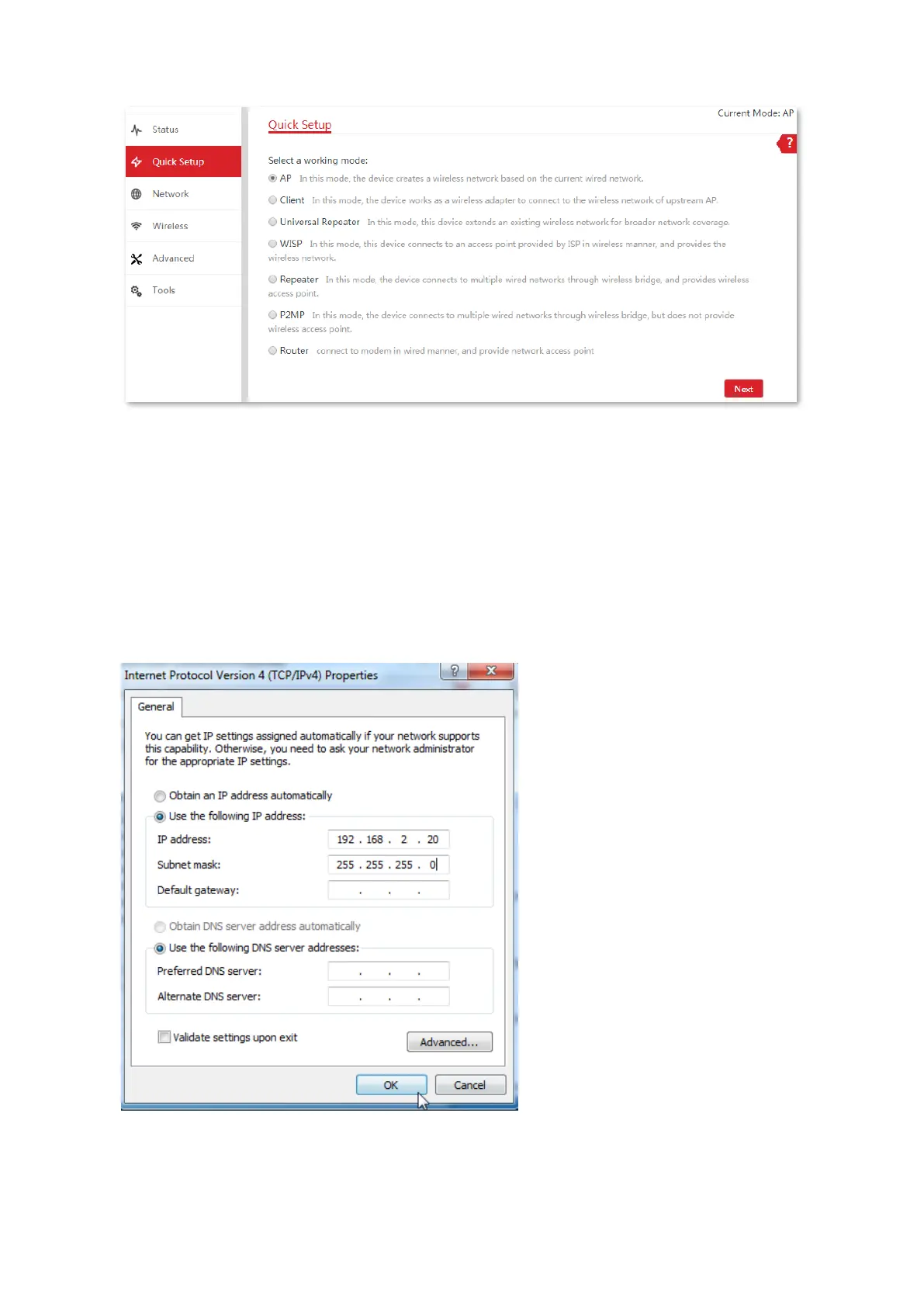
Logging in to the web UI after the CPE is set to AP mode, Client mode, Universal Repeater
mode, Repeater mode or P2MP mode
1. Connect the computer to the CPE or the switch connected to the CPE.
2. Set the IP address of the computer to an unused one belonging to the same network segment
of the IP address of the CPE.
For example, if the IP address of the CPE is 192.168.2.1, you can set the IP address of the
computer to 192.168.2.X (X is an unused digit ranging from 2 to 254), and subnet mask to
255.255.255.0.



 To Next Page