Chapter 4 Quick setup 42
Parameters description
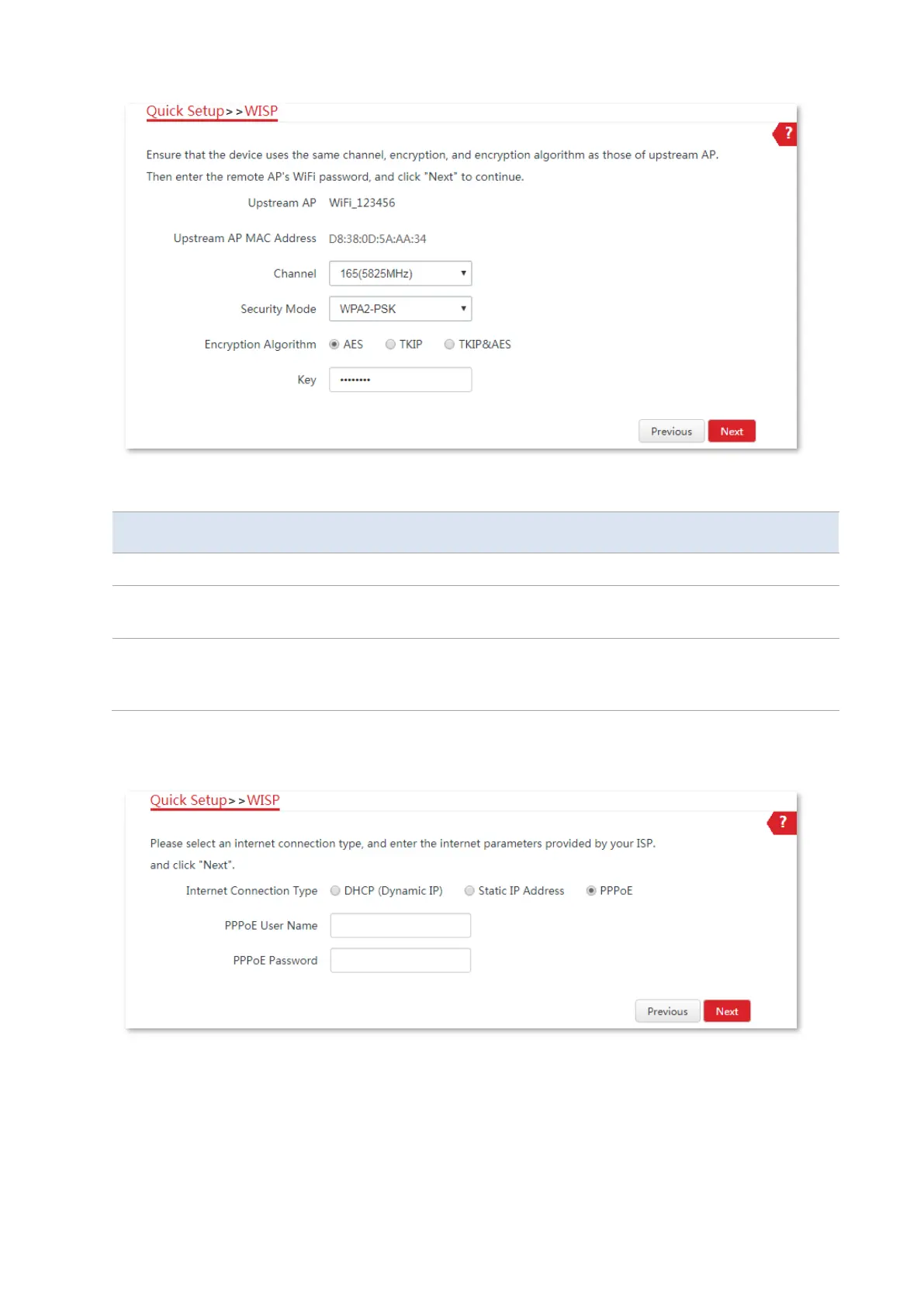
It specifies the wireless network name (SSID) of the upstream AP.
It specifies the operating channel of the WiFi network to be bridged. It will be
automatically populated when you select an SSID to bridge.
It specifies the security mode of the WiFi network to be bridged. It will be
automatically populated when you select an SSID to bridge. If the WiFi network
to be bridged has a WiFi password, you need to enter the password manually.
5. Select the Internet Connection Type of your ISP hotspot, which is PPPoE in this example. Enter
the PPPoE user name and password provided by your ISP, and click Next.



 To Next Page