Chapter 4 Quick setup 55
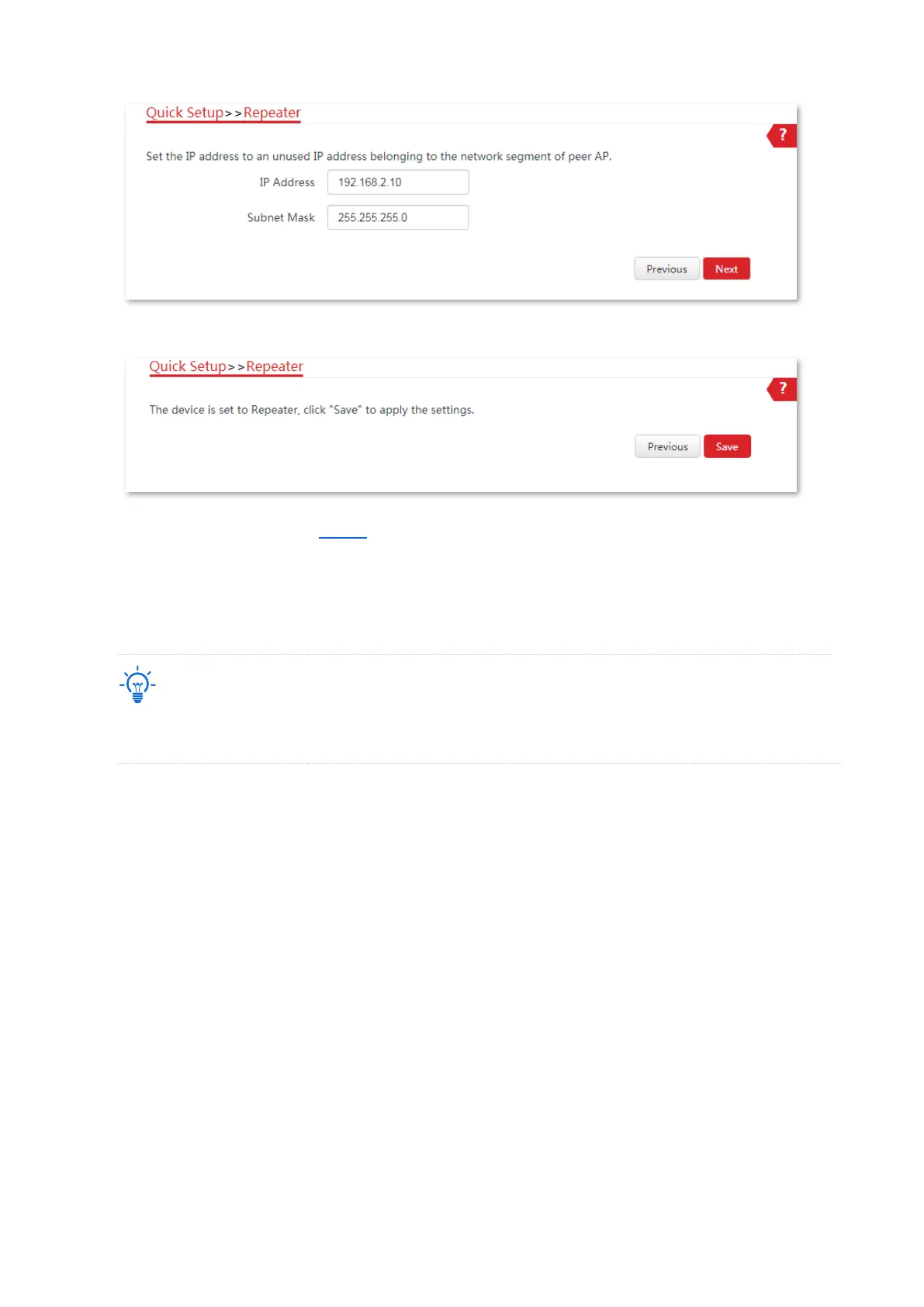
(7) Click Save, and wait until the device reboots to activate the settings.
2. Perform the procedure in Step 1 above to set the CPE1 to Repeater mode. The differences are
listed below:
− Select the SSID of CPE2, which is IP-COM_1 in this example.
− Do not need to change the IP address of CPE1.
If there are multiple wireless networks with the same SSID, select the one with the WLAN MAC address of
the CPE2, which is D8:38:0D:5A:AA:34 in this example.
----End
To check whether the bridging is successful:
Method 1: When the LED1, LED2, and LED3 indicators of CPE1 and CPE2 are solid on, the
bridging succeeds.
Method 2:
1. Log in to the web UI of CPE1.
2. Choose Advanced > Diagnose, select Ping from the Diagnose drop-down list menu, enter the
IP address of CPE2 and click Start.



 To Next Page