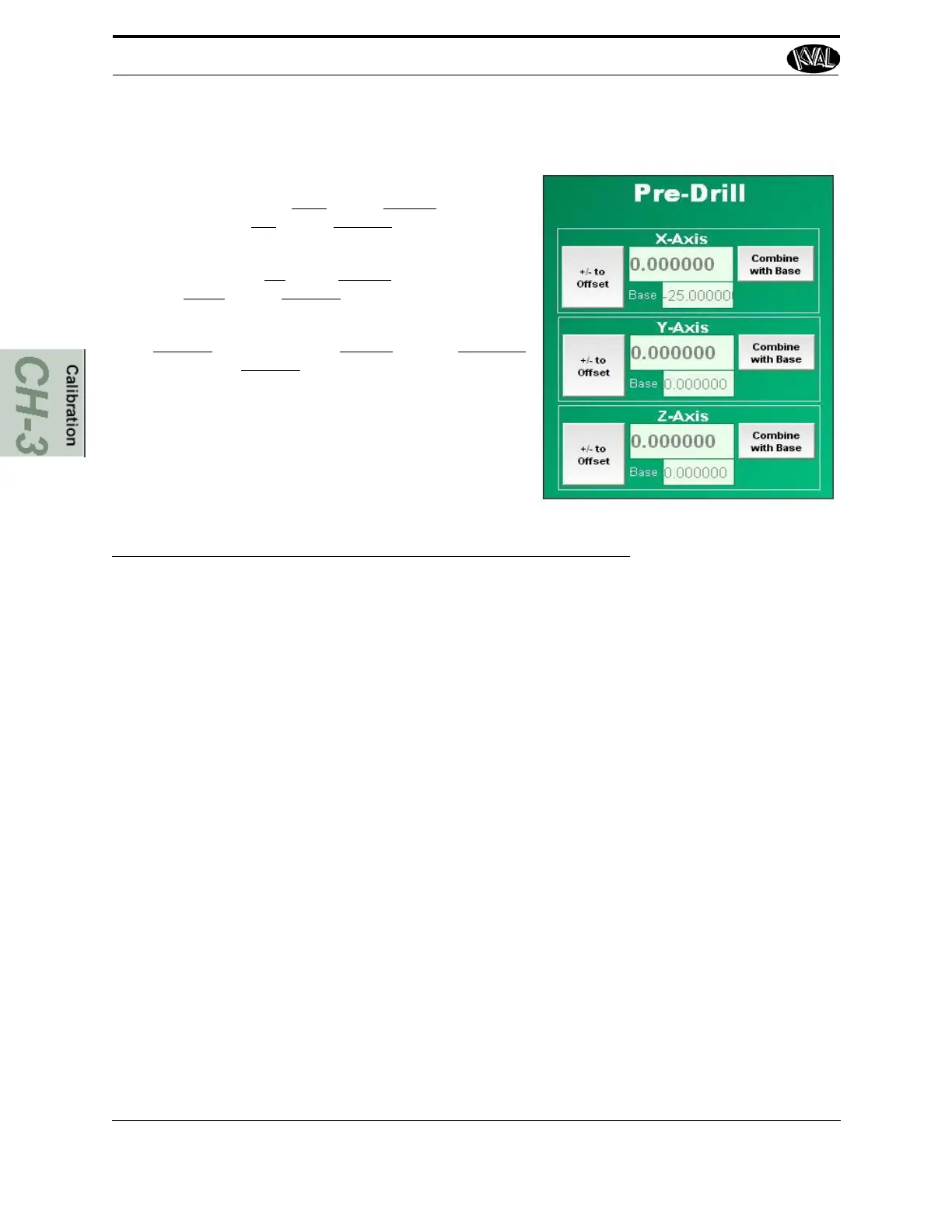
X: To move the cut to the right, enter a positive value. To
move the cut to the left,
enter a negative number.
Y: To move the cut to up
enter a positive value. To move the
cut to the down,
enter a negative number.
Z: To increase
the depth, enter a positive value. To decrease
the depth, enter a negative
value.
Check Specifications of the Front Section
KVAL 994-X Operation/Service Manual
3-14
FIGURE 3- 9. Pre-Drill Router Calibration Menu
5.
Repeat until hole is centered.
6. Select Combine with Base to finish.



 To Next Page