About the Setup Screens
2-43
KVAL 994-X Operation/Service Manual
About the Setup Screens
Note: This section describes the menus in the Setup Screens. For information about
performing calibration, See “Chapter 2, Calibration of the 994-X”.
Select the Setup Button on the Main Screen to open access to the:
• Main Cal (Machine Calibration) screen
• Setup Hinge 1-4 screens
• Pre-Drill Setup screen
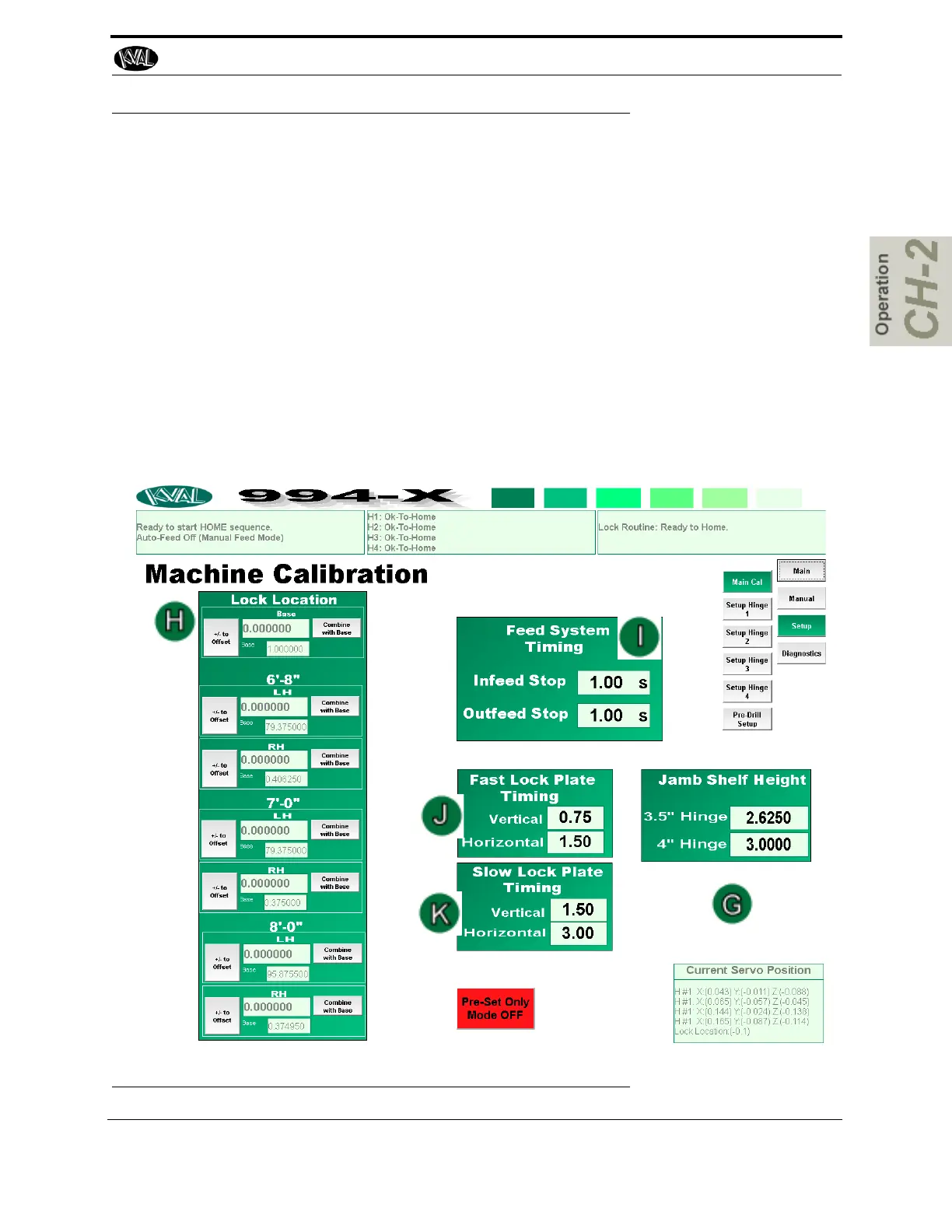
About the Machine Calibration Screen
The Main Cal button leads to the Machine Calibration screen. In this screen, you can perform
machine calibration of the lock location and lock bore location on the back section, change
machine timing, and speeds, and position the jamb shelf on the front section
.
FIGURE 2- 20. Setup Menu



 To Next Page