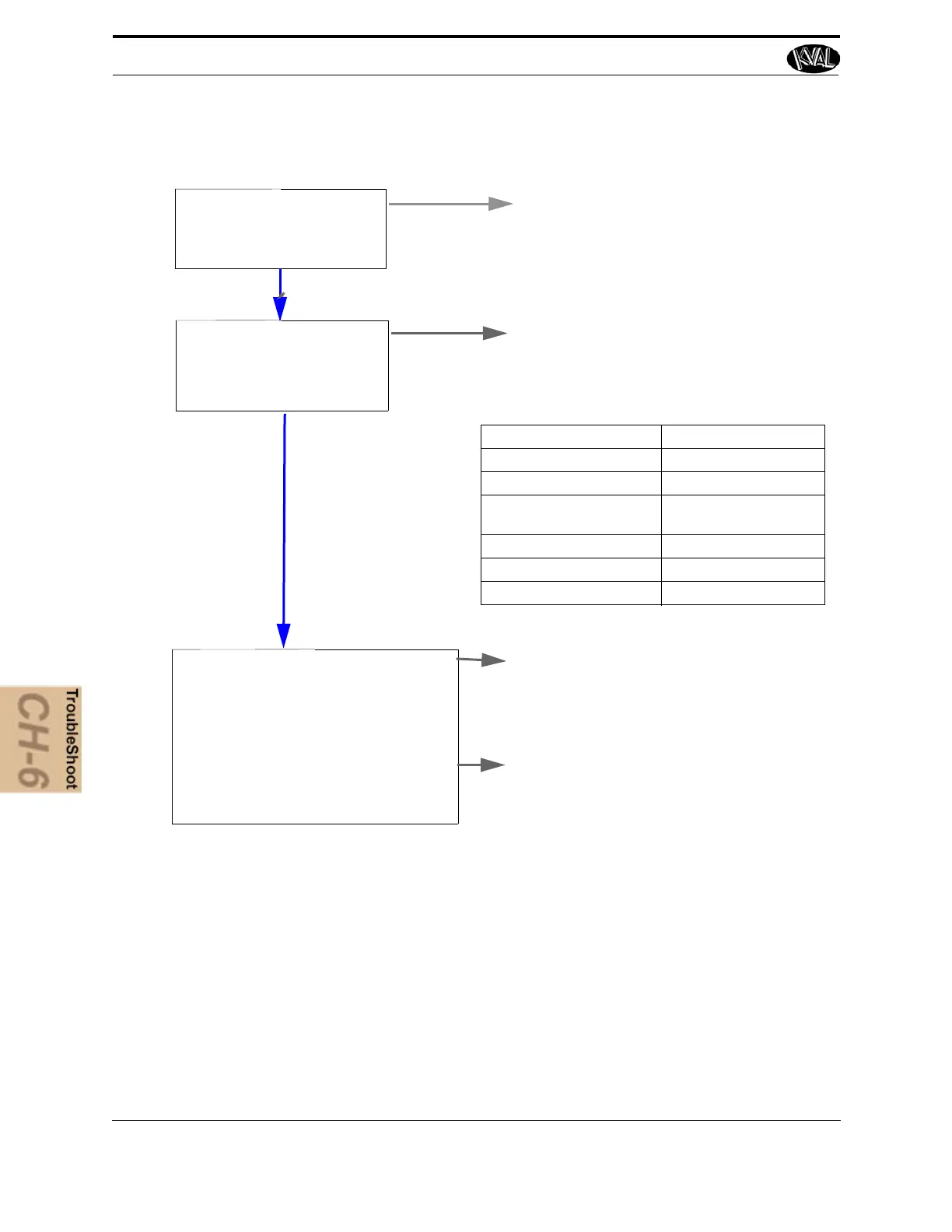
Determine What:
What Subsystem is
Responsible for the Failed
Sequence Step.
Analyze the subsystem:
Check the Load.
Check the Position Feed Back.
Check the Positioning System
See “Analyze the Sub Systems” on
page 6-8
TABLE 6- 1. Typical KVAL Machine Sequence
Typical Machine Sequence Responsible Subsystem
1. Move Door into Position Feed System
2. Clamp the Door Door Clamp
3. Make the Cuts Cutter Positioning
Cutter Power
4. Unclamp the Door Door Clamp
5. Move Door Out Feed System
6. Wait for Next Door Feed System
Basic Troubleshooting Steps
Determine Where:
The Sequence Step Where
the Failure Occurs
What was the Machine Trying to Do?
What Was the Machine Trying to Do
Next?
How is the Broken Section Suppose to
What is Keeping the Broken Section From
Working?
What Part of the Machine is not Work-
ing?
Ask
Narrow
Verify
1. Check the Load for mechanical issues
2. Check the Position Feed Back.



 To Next Page