Run the Calibration Routine
KVAL 994-X Operation/Service Manual
3-6
Run the Calibration Routine
After checking for common errors, start the calibration cut process.
Select Calibration
From the Main Screen, choose Calibration.
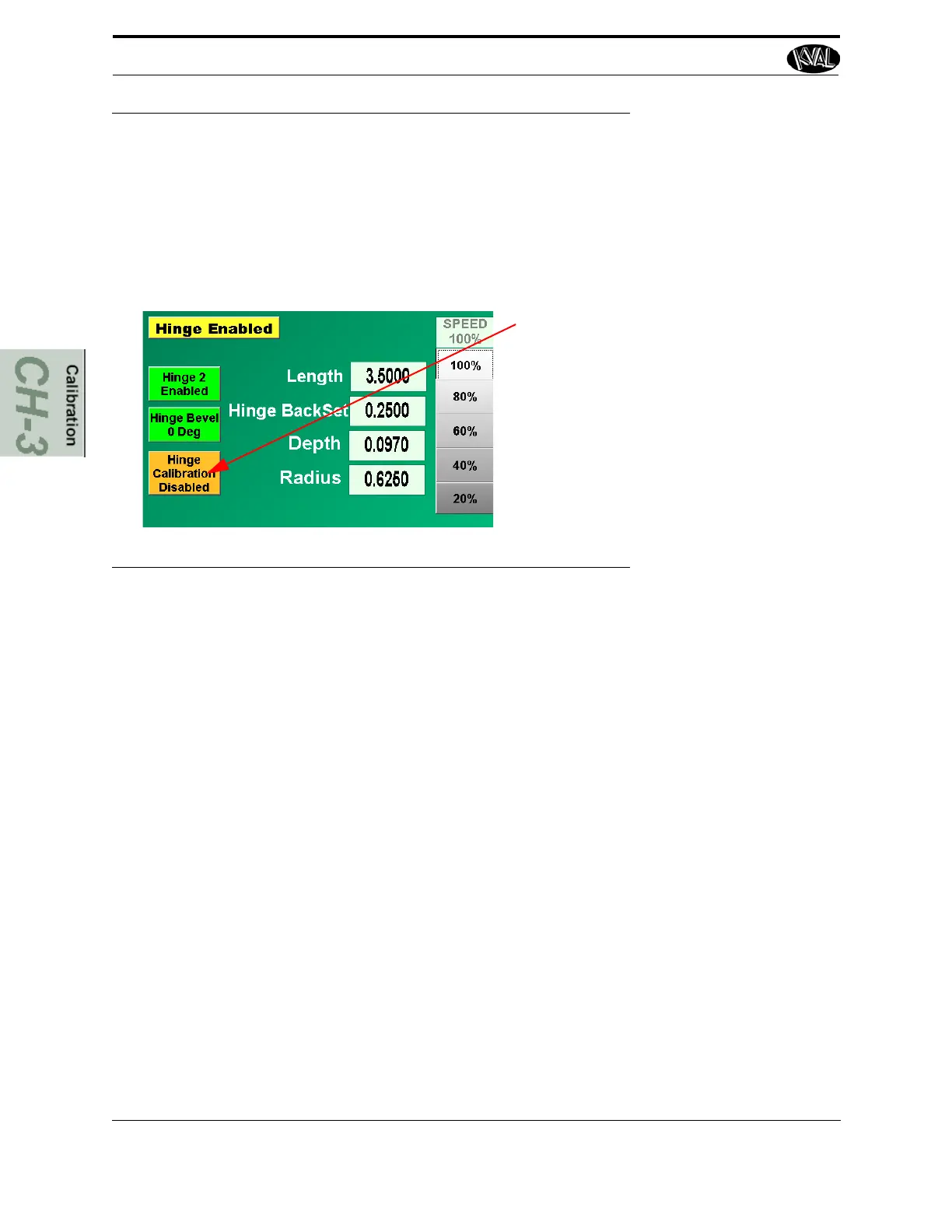
Enable Calibration from the Menu list
on the Hinge Spec Group
NOTE: If Calibration is not on the list, con-
tact KVAL service. KVAL service can
remotely download the program if LAN
and WEB enabled.
FIGURE 3- 3. Calibration Routine Selection
Select Door Parameters
From the Door section of the User Interface, choose the following below.
1. Choose Door Height (Thickness).
2. Choose Door Length.
3. Disables Hinge 2 of the hinges leaving one hinge enabled.
Load the Door and Start the Cut
1. Load the test door into the in-feed of the 994-X.
2. Verify the setup and check for machine is safe to run.
3. Press the Start button, to begin the process.



 To Next Page