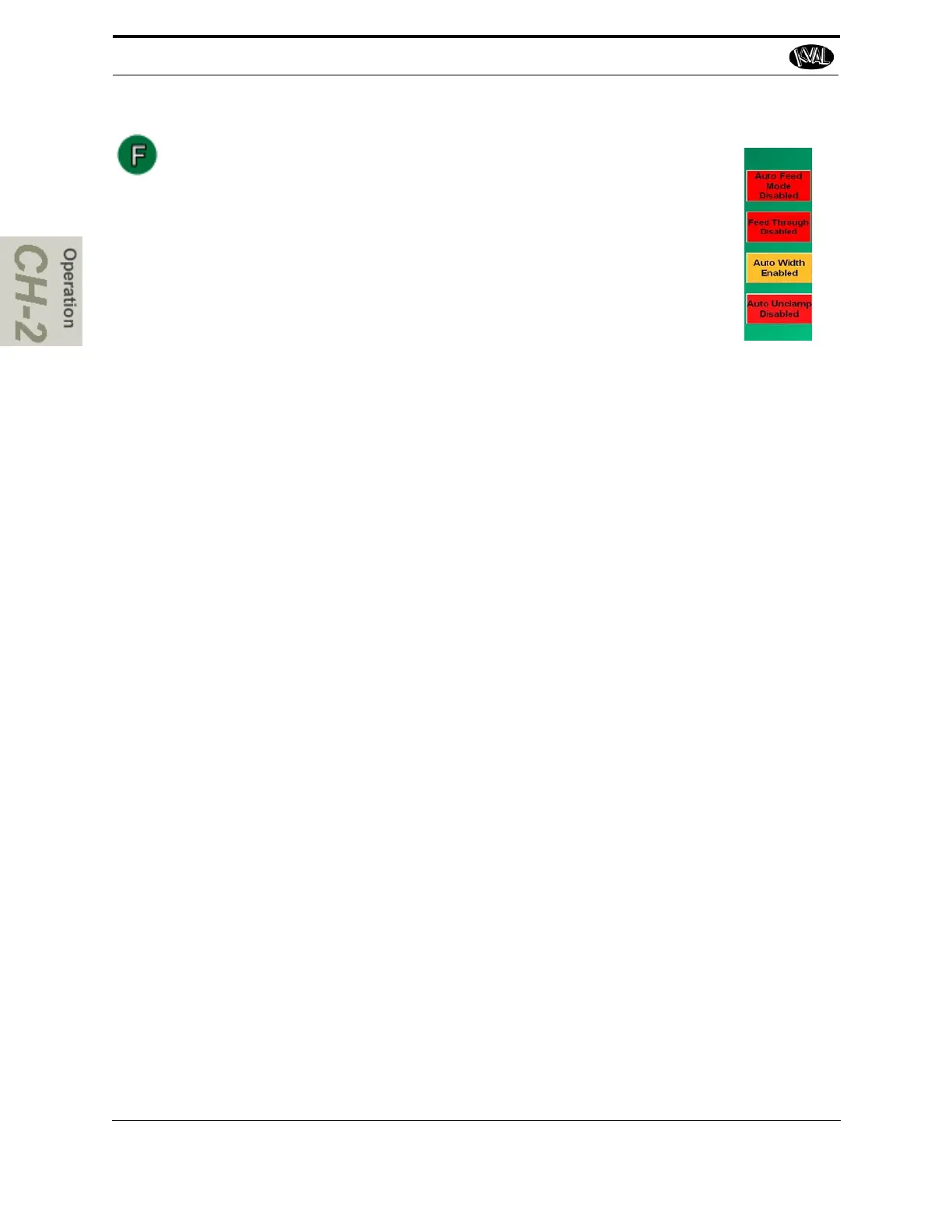
Auto Enable and Disable Buttons
From these buttons you can toggle auto functions on or off.
Auto Feed (Option): Press Auto Feed to toggle the auto feed on or off.
In auto mode, the feed system will bring in and clamp a door, wait for
processing to complete, then feed the door to out.
Feed Through (Option): Press Feed Through to toggle the feed
through on or off. In feed through mode, the door will pass through the
machine without processing.
Auto Width: Press Auto Width to toggle the auto width on or off. In auto width mode,
the machine will automatically set the width adjust system for optimum clamping.
Auto Unclamping: Press Auto Unclamping to toggle auto Unclamping on or off. The
auto unclamp button sets the machine to automatically unclamp the door after
machining is completed.



 To Next Page