Load
User Interface
Force
Positioning
System
Translated
Positioning
Controller
Instructions
Positioning
Instructions
(Optional)
Position Feedback
(Optional)
Machine’s Other
Subsystems
OK to move
Complete
Process
About Motion Control
6-3
KVAL 994-X Operation/Service Manual
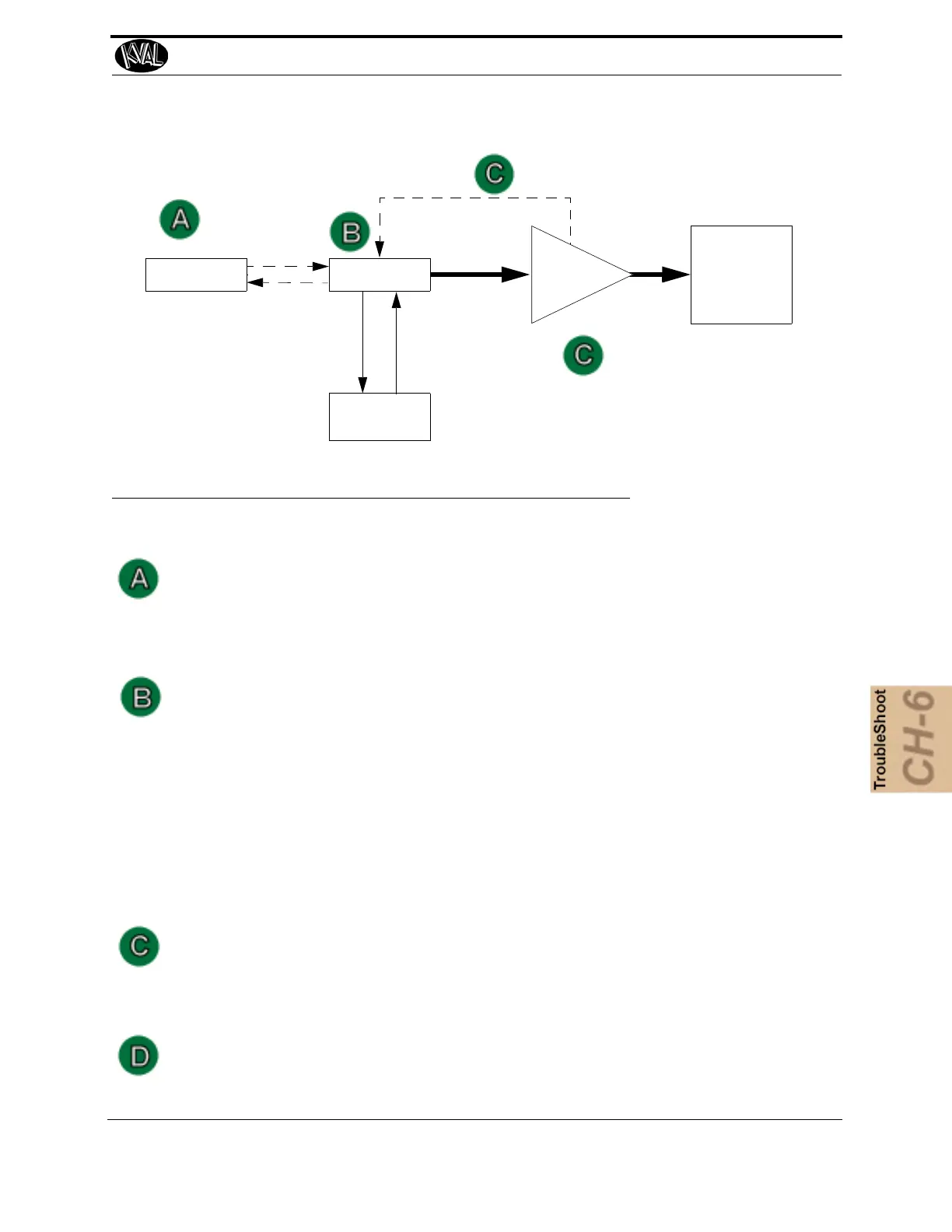
FIGURE6- 23. Block Diagram of Basic Motion Control
The User Interface:
• Allows communication between the humans and the machine.
Examples: A touch screen, a PC or a button panel.
The Controller:
• Translates entered information into a form the positioning system can
understand.
• Listens to the machine’s other subsystems waiting for the OK to move command.
• Sends the positioning instructions to the positioning system.
• Listens to the positioning system for position status (if there is a feedback loop).
• Tells the machine’s other subsystems when the move process is completed.
Examples: A PLC or a dedicated motion control board.
Positioning System:
• Moves the load.
Examples: A motor or a pneumatic cylinder.
The Position Feedback.
• Provides location information to the controller.
Examples: A limit switch, a photo eye, or ferrous eye, a resolver or an encoder



 To Next Page