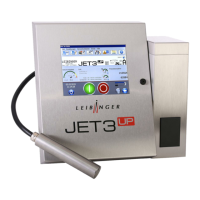
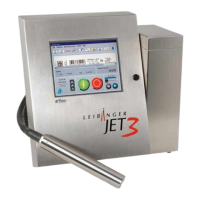
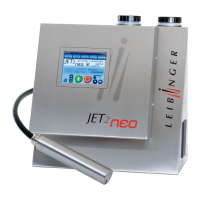
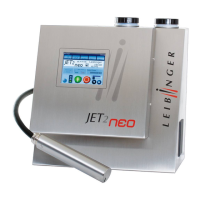
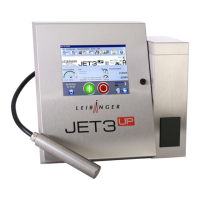
The LEIBINGER Printer offers a user based password protection in order to prevent from
faulty operation or non-authorized access. It is possible to set different kind of access
privileges for 5 users.
A click on the option <Password Settings> (2) opens the dialog box <Password
settings> (3).
The following settings are available:
In the several tabs you can enable or lock the functions (8) for the currently selected
user. Functions are enabled / disabled by checking / unchecking the checkboxes.
In order to switch between tabs click on the caption of the tab (7).
Note: The proceeding corresponds to Windows™-standard procedures.
The drop-down list <User> (5) provides 5 user. All settings entered are always valid for
the currently selected user.
The password for the currently selected user is set in the input field <Password> (5). The
input field <Password> shows also a password already set in plain text. In order to
change an existing password it can just be overwritten.
With the button <set…> (6) the password entered for the current user level will be taken
over.
With the button <OK> (9) the settings will be saved and the menu closes.
The button <Cancel> (10) discards all changes and closes the dialog box.


 To Next Page