Group 8 Job Editor Page 69
JET3 Series Release 2.02
<Remaining printouts> indicator (8): This indicator shows the remaining print outs
calculated on the basis of the current ink volume and the currently loaded print job. The
value displayed is only a rough estimate.
<Product counter> indicator (9): The indicator displays the current value of the product
counter(s). Additionally a predefined print stop will be indicated by a red frame. The
indicator works also as button. A click on the indicator will open the <Counter settings>
dialog box. Whether there are displayed 1 or 2 product counters depend on the product
counter settings.
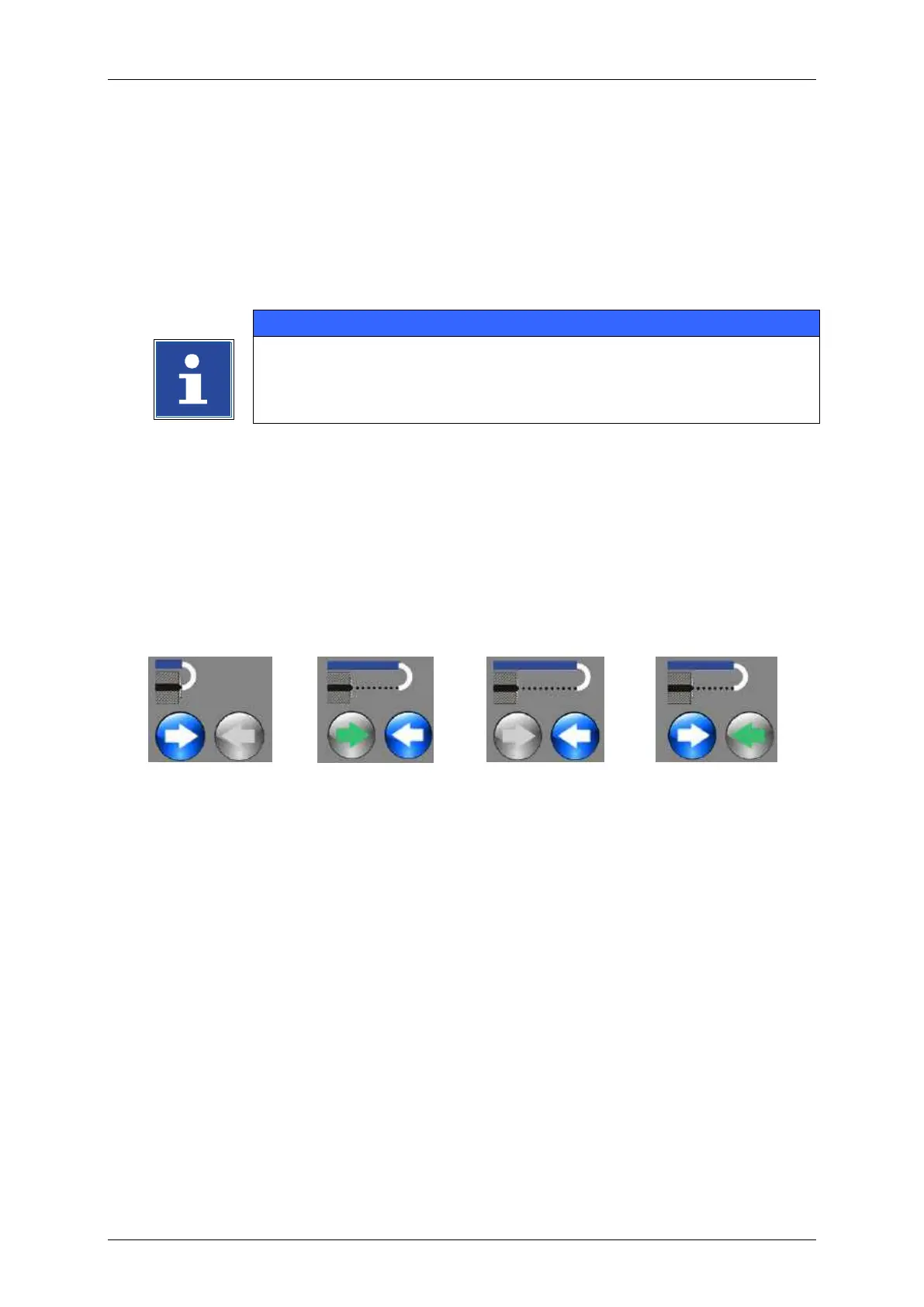
<Nozzle> indicator (10): This indicator shows the current status (position) of the nozzle.
There are 4 possible states:
<Open/Close Nozzle> buttons (11): With these buttons the nozzle can be opened and
closed. The active button changes its color.
Figure
Indicator for general status information (12):
This indicator provides general information about the current status of the printer.



 To Next Page