Group 8 Job Editor Page 269
JET3 Series Release 2.02
8.5.2.7 Drop flight time
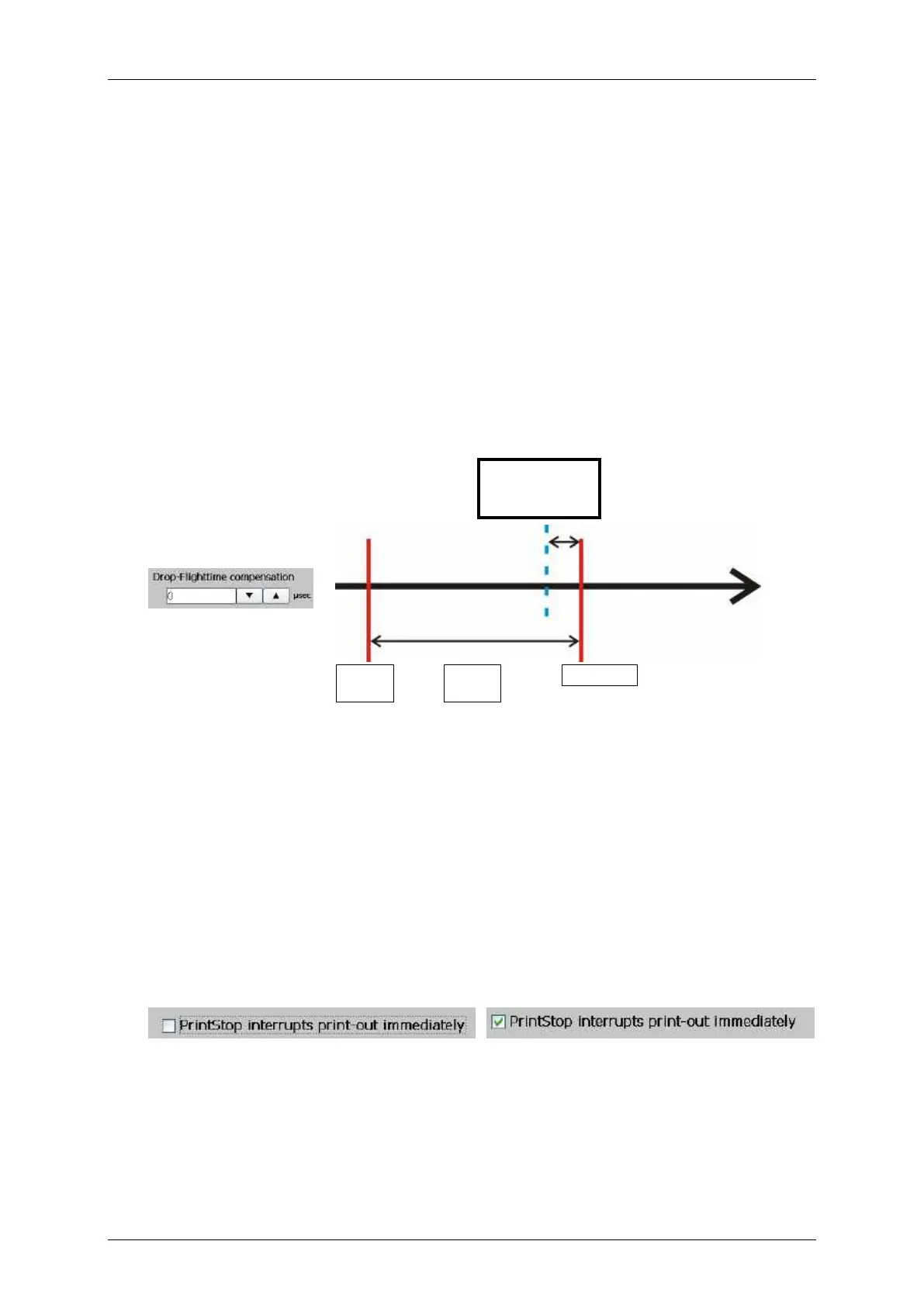
With this parameter the timing for the drop charging is adjusted. The input dimension is
µsec.
The current value set is displayed in the input field.
The parameter defines the time by which the ink drops are charged earlier. An earlier
charging of the ink drops brings some advantages for the positioning of the drops at
varying printing speeds.
With the drop flight time setting drop positioning issues caused by highly varying printing
speeds can be compensated to a certain degree.
For this a <PrintGo delay> setting > 0 is required! The <PrintGo delay> is necessary as
a kind of buffer for the <Drop-Flighttime> set.
This function is only necessary if the printing speed varies in a wide range.
Setting of drop flight time
Drop Flighttime
compensation
The charging of the ink drops starts earlier
(blue dotted line).
The drop flight time compensation can be used for the
adjustment of the printing position at highly varying printing
speeds.
8.5.2.8 PrintStop reaction
A <PrintStop> can be processed in two ways:
1. The current printout is finished when <PrintStop> occurs.
2. The current printout stops immediately with the <PrintStop>. Parts of the
current print job may not be printed.
Immediate <PrintStop> not activated
Immediate <PrintStop> activated



 To Next Page