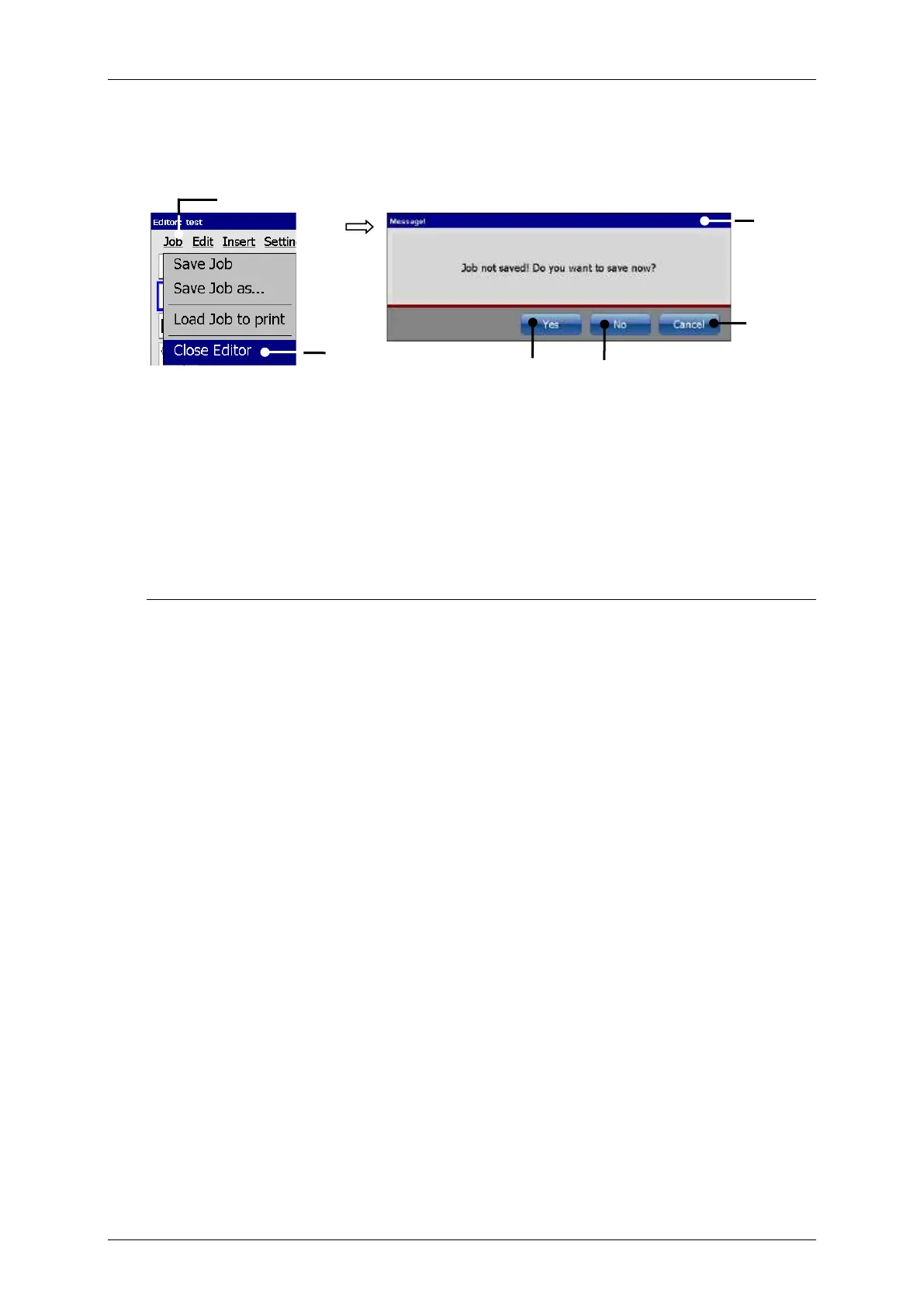
With the option <Close Editor> you can close the job editor.
If changes were not already saved a confirmation prompt pops up.
In this case the following options are available:
Press the button <Cancel> (4) to abort the process and to go back to the editor.
Press the button <No> (5) to leave the editor without saving the job.
Press the button <Yes> (6) to save the job when leaving the editor. Attention! The
saving happens under the current data file name. The existing data will be overwritten!



 To Next Page