Page 318 Job Editor Group 8
Release 2.02 JET3 Series
Reset2 on X4: The reset happens by an external supplied signal on the X4 interface.
The actual input has to be assigned in the I/O Settings dialog box (Settings – I/O
Settings – Inputs)
A counter reset method can be assigned to more than one counter. Therefore it is
possible to create “Reset groups”.
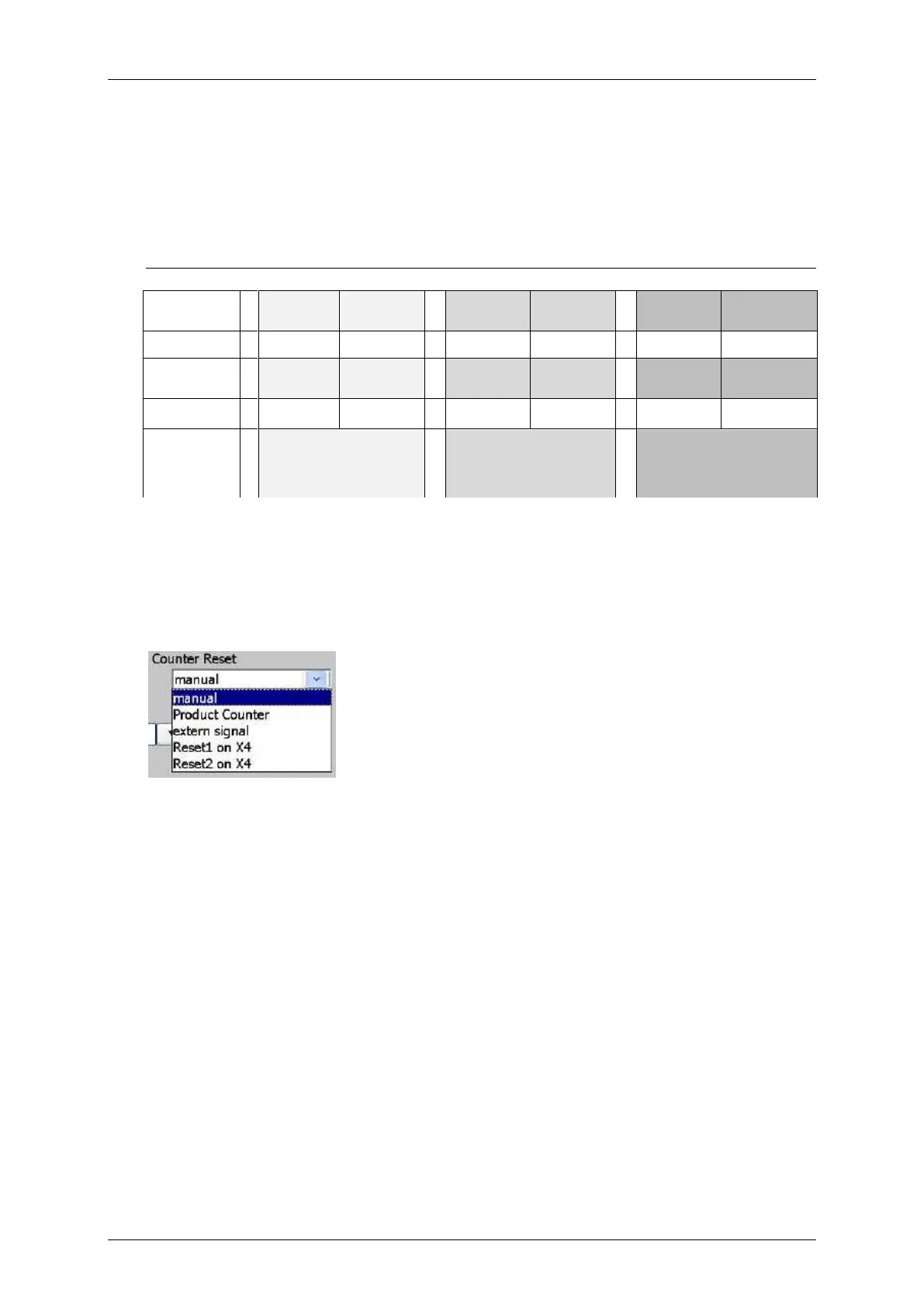
Example for “Reset groups” – 6 defined Counters assigned to three groups
6 available inputs for
free assignment
6 available inputs for free
assignment
8.7.3.1.11 Counter increment (methods)
With the drop-down list <Counter Increment> you can determine the method at which
event the counter value should be changed (incremented or decremented).
Counter settings - Increment methods
with PrintGo:
The change in value of the counter happened with each the PrintGo-signal (even, if
the printout is stopped and the printer still receives some PrintGos from the sensor
or the internal PG source).
with printing (text) end:
The change in value of the counter happens after the printout was made.
Extern (external signal):
The change in value happens by an external signal (interface X4).



 To Next Page