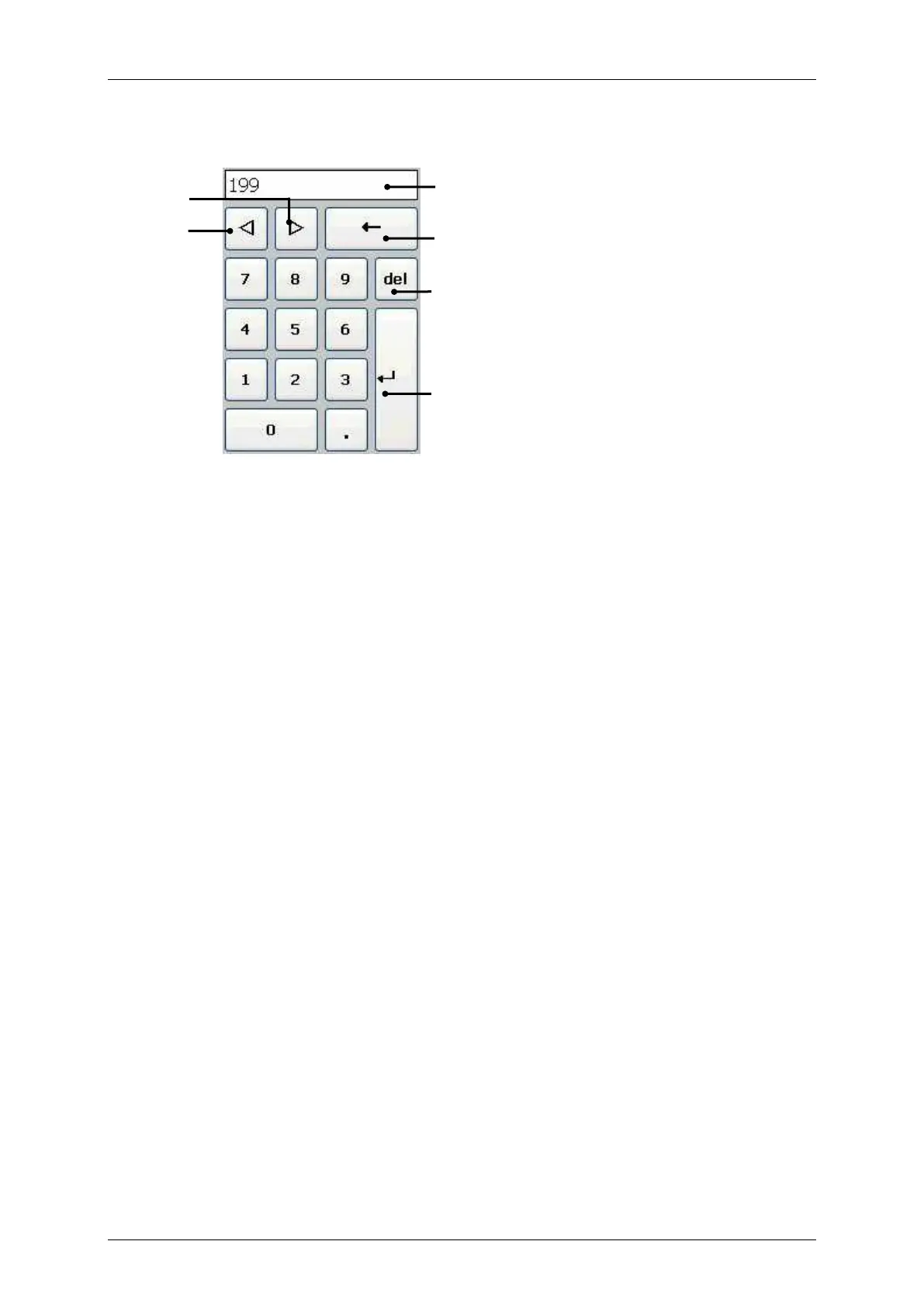
Numbers are entered with the numeric keypad.
The entered value is shown in the Display (1).
The < Backspace > key (2) deletes the character in front of (to the left of) the current
cursor position.
The <del> key (3) enables the deletion of the characters behind (to the right of) the current
cursor position.
With the <> key (4) you can shift the current cursor position by one digit to the right.
With the <> key (5) you can shift the current cursor position by one digit to the left.
With the <Return > key (6) you can take over the input and the Numeric keypad closes.



 To Next Page