EasyManua.ls Logo

Leibinger JET3 Series - Page 73

Leibinger JET3 Series
406 pages
Print Icon
To Next Page IconTo Next Page
To Previous Page IconTo Previous Page
Loading...
Group 8 Job Editor Page 71
JET3 Series Release 2.02
Solvent filling level:
The indicator shows the current solvent filling level.
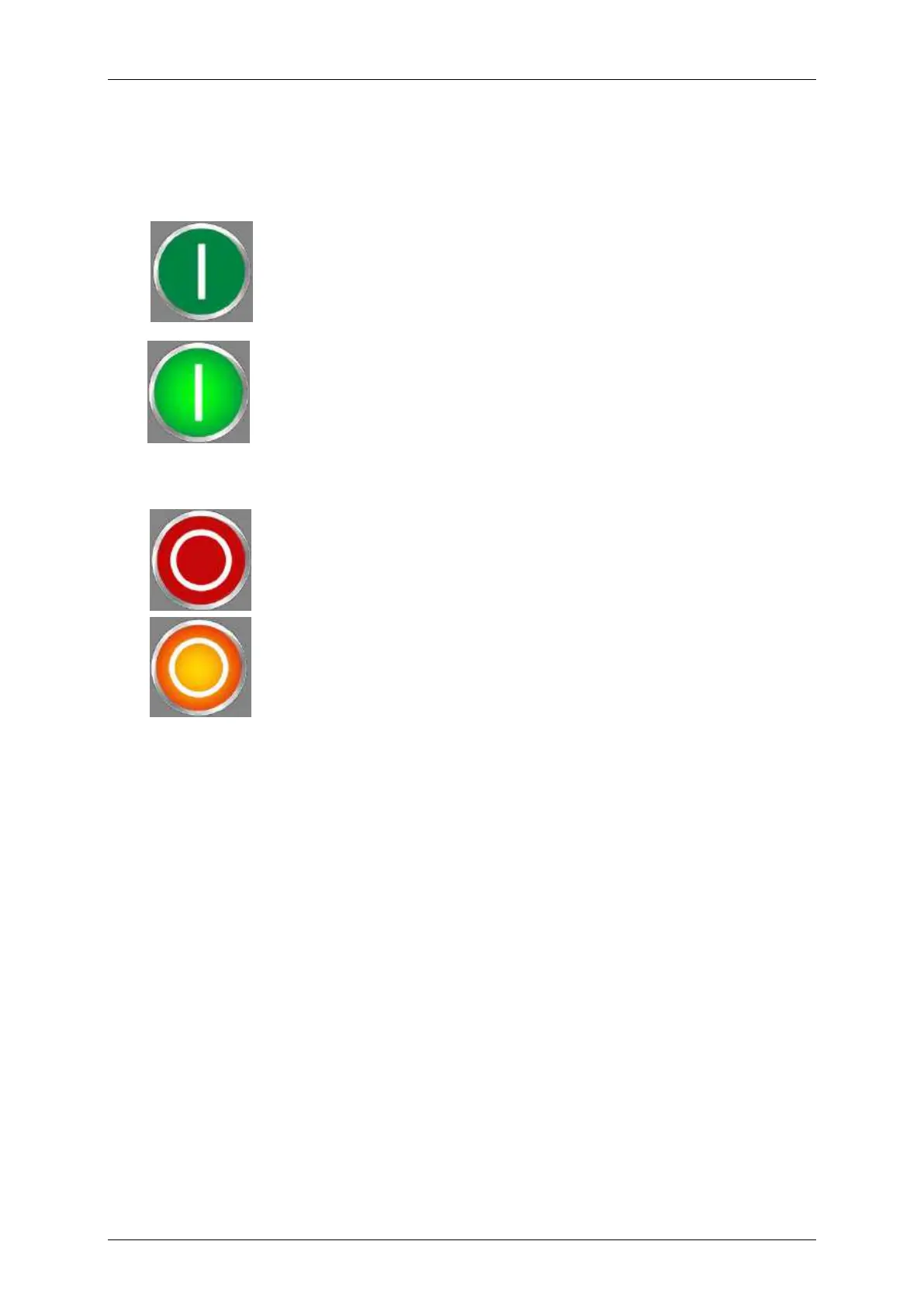
Button <PrintStart> (13): With this button the print job will be released for processing. If
a print job is activated, the button is displayed backlighted. It will be printed as soon as a
PrintGo signal occurs.
Print start inactive. Print job is not released for processing.
Print start active. Printer is in active print mode.
Button <PrintStop> (14): The released print job is stopped with this button. If a print stop
is activated, the button is displayed backlighted.
Print stop inactive
Print stop active. Current print job was stopped or no print job is
released for processing.

Table of Contents

Related product manuals