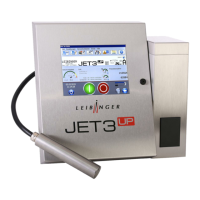
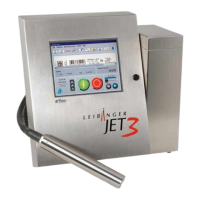
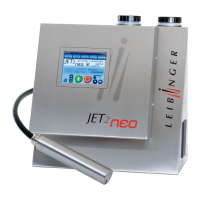
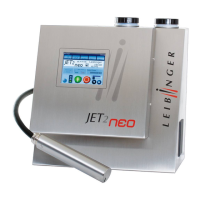
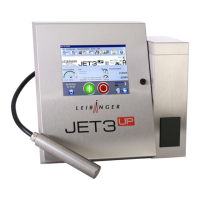
Touch the dark Touch-Display (1) for at least 2 seconds.
The device is turned on and the main window (2) is displayed with the message
<Initialization> (3).
After the initialization the device starts with the bleeding of the system automatically.
During the process the message <Bleeding> (4) is displayed. The bleeding takes
between 1 – 5 min. The process can be canceled by pressing the button <Cancel>
(5).
Note:
For starting the device the job which has been used at last will be loaded
automatically.


 To Next Page