Group 8 Job Editor Page 231
JET3 Series Release 2.02
8.2.2 Job editor - File management
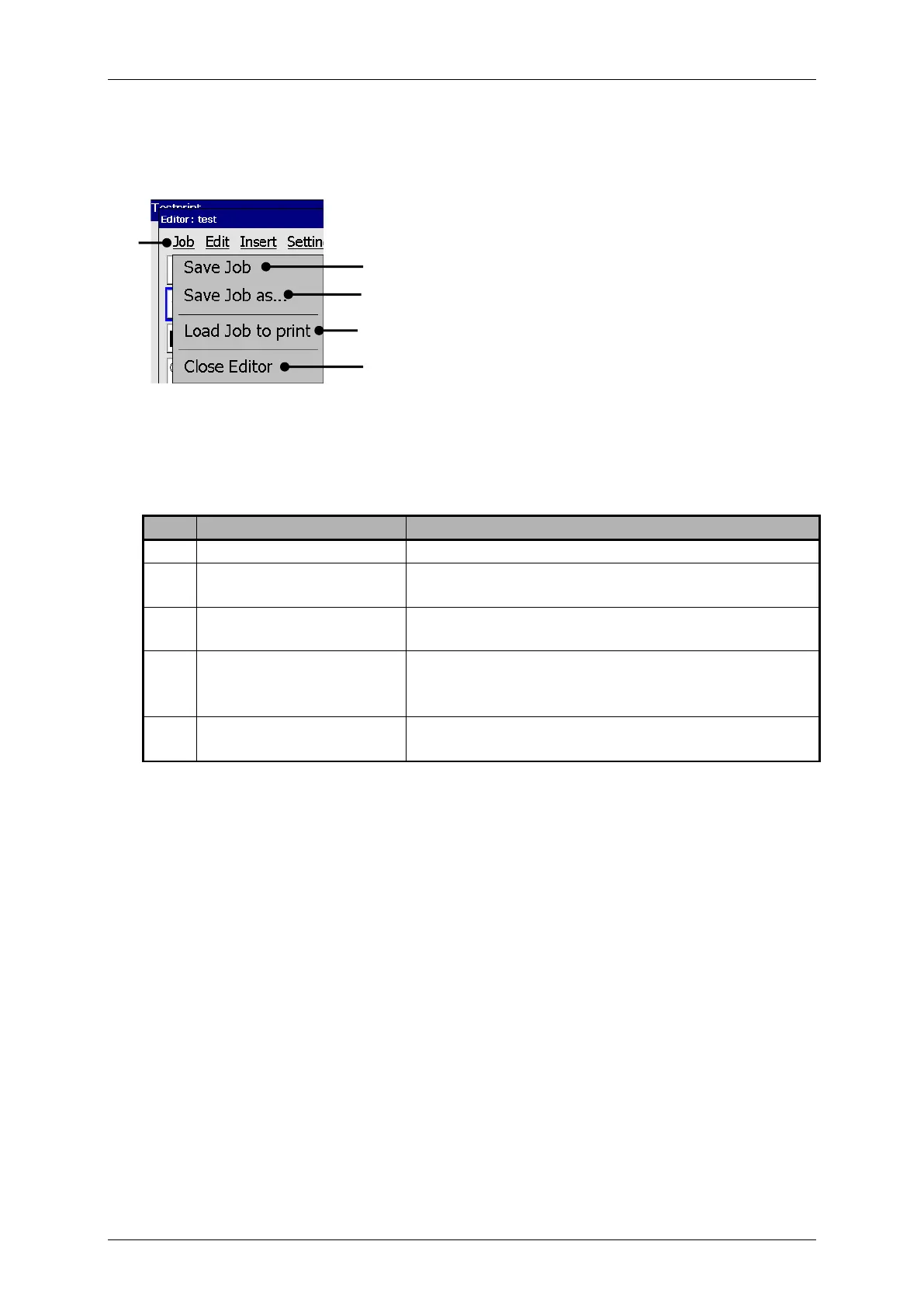
With the button <Job> you can select the organization tools of the job editor.
Job editor - File management tools)
3 – Open <Save Job as> dialog
Saves the current loaded job under the existing
name.
Saves the current loaded job or a new created job
under a new name.
Loads the selected job into the active memory in the
printer. This job will be the next one, which will be
printed
Closes the job editor. If changes weren’t saved yet
saved yet, a confirmation prompt pops up.



 To Next Page