Group 8 Job Editor Page 205
JET3 Series Release 2.02
7.5.6.4 View menu
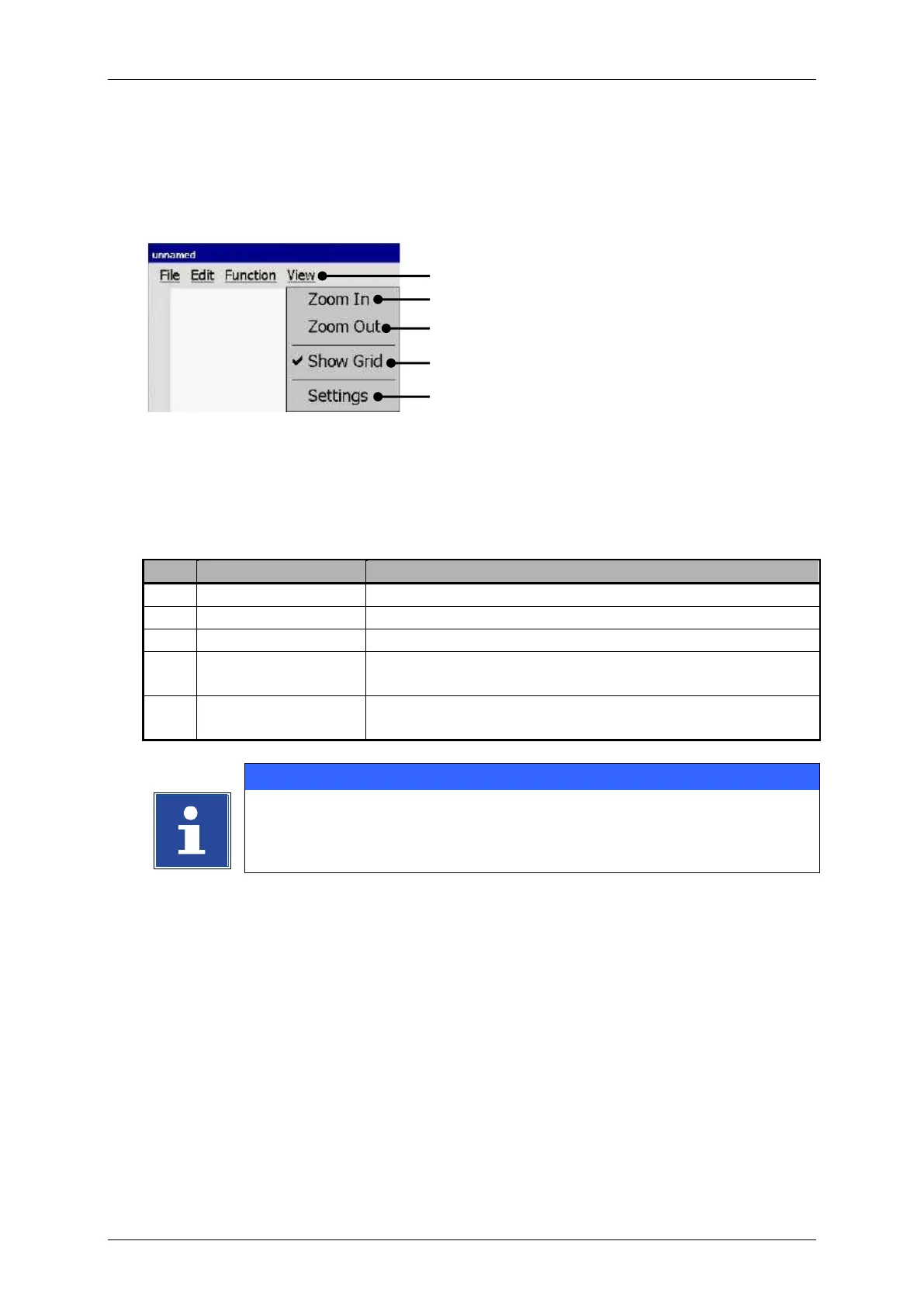
The drop down menu <View> provides several tools for zooming, the size of the editor
and the grid.
Graphic editor – View settings
1 – Drop-down menu <View>
Zooms in the drawing area.
Zooms out the drawing area.
Turns on or off the grid. The activated function is indicated
with a checkmark at the menu item.
Opens dialog box with the settings for the editor size and
the grid.
You will find further information regarding the function of the several display
tools also in the chapter 7.5.6.7 Graphic editor - Settings



 To Next Page