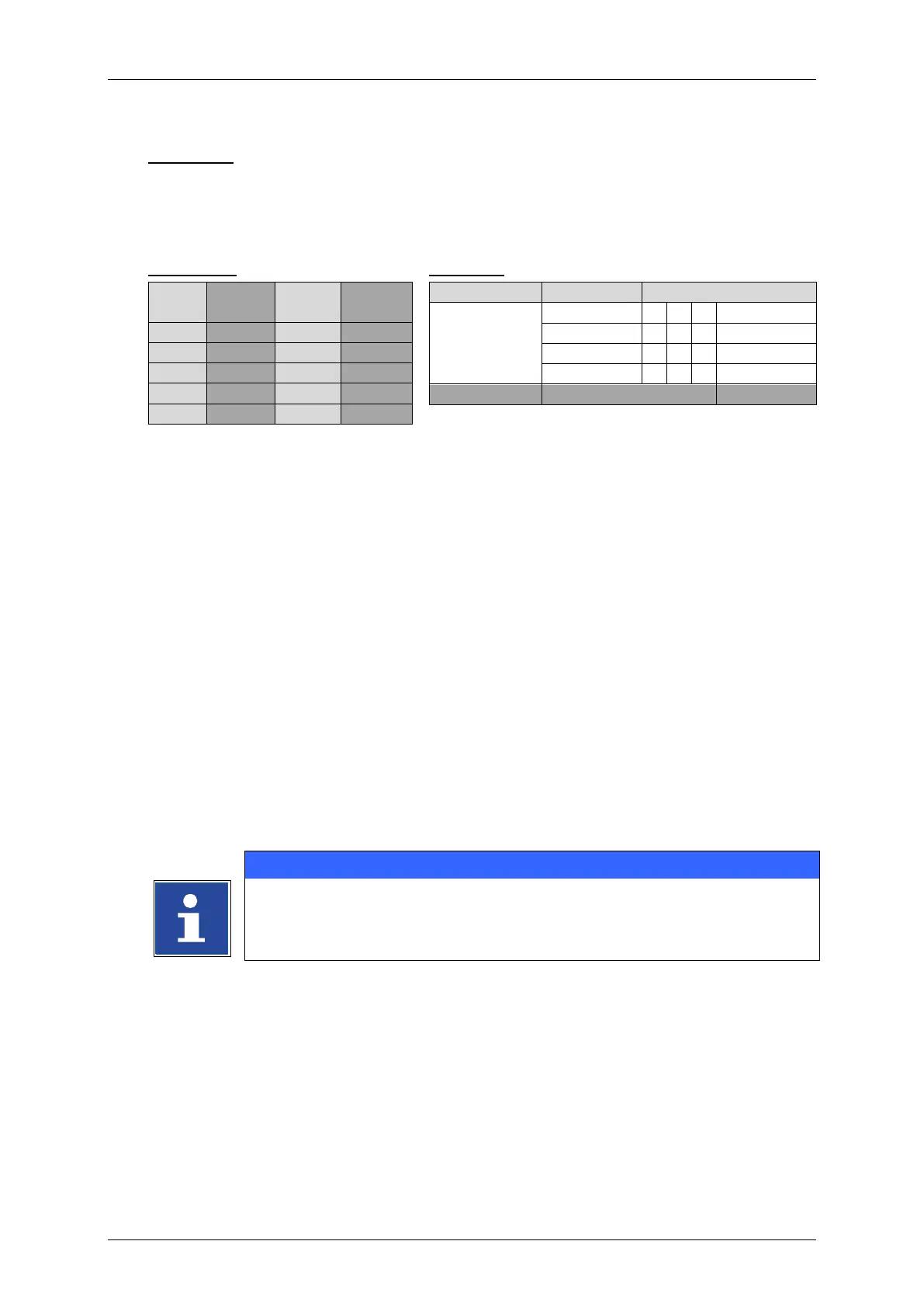
Example 2:
The actual counter reading of a counter object should be replaced with code. For
this each figure of the counter reading is replaced by another figure. The following
table shows the coding and an example.
Select the counter object in the editing window of the job editor (2).
First select <Format> (1) from the menu bar and then <Object> (2) from the drop
down menu. Alternatively you can use the respective direct button (3) to open the
object settings dialog box.
The dialog box <Object Settings (Date/Time)> (5) opens.
Select the <Replacements> tab (4)
Select the element type „Figures“ (7) from the <Type> drop down list (6).
Each element in the <Name> list (9) has a corresponding input field in the
<Replacement> field list (8). By setting the cursor into one of the input fields a
virtual keyboard opens (10). Enter the required replacements for each element (1=0,
2=9…..7=4….etc.) (11).
Confirm each input with the <Enter> button (12) of the keyboard.
Fill-in each required replacement in the <Replacement> field list (13). Run through
the list by using the scroll buttons (14).
Confirm all changes and close the dialog box with the <OK> button (15). Use the
<Cancel> button (16) to leave the dialog box without saving.
All changes are displayed in the editing window of the <Job editor> (17).



 To Next Page