EasyManua.ls Logo

Leica C - Page 17

Leica C
292 pages
Print Icon
To Next Page IconTo Next Page
To Previous Page IconTo Previous Page
Loading...
I
Setting
language, time,
and
date
Date and Time are not set when the camera is shipped. The
default language
setting
is
English.
Disconnect the camera from the charger/AC adapter.
(]!
}
Press
the
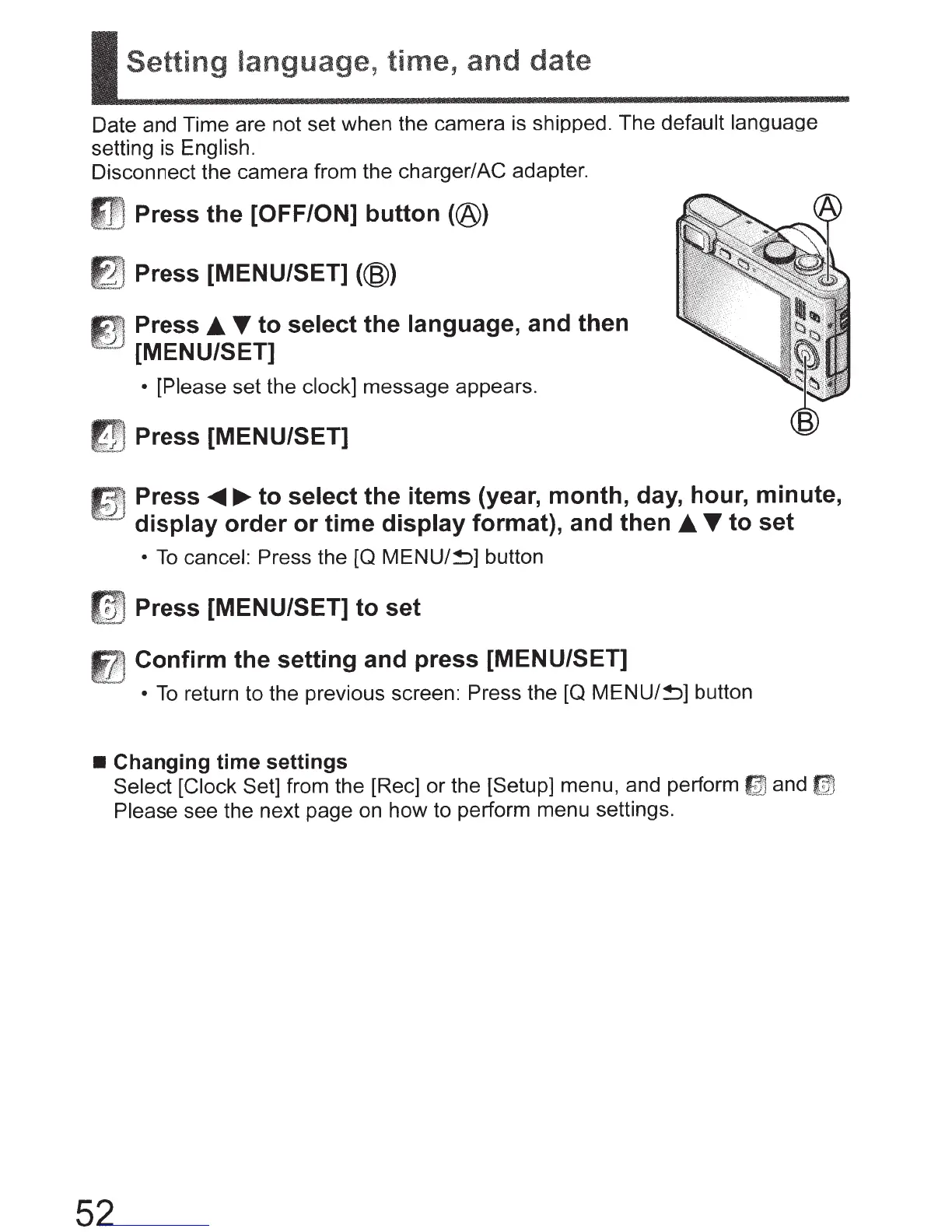
[OFF/ON]
button
(@)
; Press [MENU/SET]
(@)
.,,
Press
T
to
select
the
language,
and
then
[MENU/SET]
[Please
set the
clock]
message appears.
frn
Press [MENU/SET]
Press
...._~to
select
the
items
(year,
month,
day, hour,
minute,
display
order
or
time
display
format),
and
then
T
to
set
To
cancel:
Press the [Q
MENU/~]
button
[
v,
Press [MENU/SET]
to
set
Confirm
the
setting
and
press
[MENU/SET]
To
return to the previous screen:
Press
the
[Q
MENU/!)]
button
Changing
time
settings
52
Select [Clock Set]
from the [Rec] or the [Setup] menu, and perform
1J1J
and
~
Please
see the next page on how to perform menu settings.

Table of Contents

Other manuals for Leica C

Related product manuals