I
Using
the
control
ring
Using the control ring is a very convenient way to perform frequently used
operations and settings such as Step zoom and
ISO
Sensitivity directly.
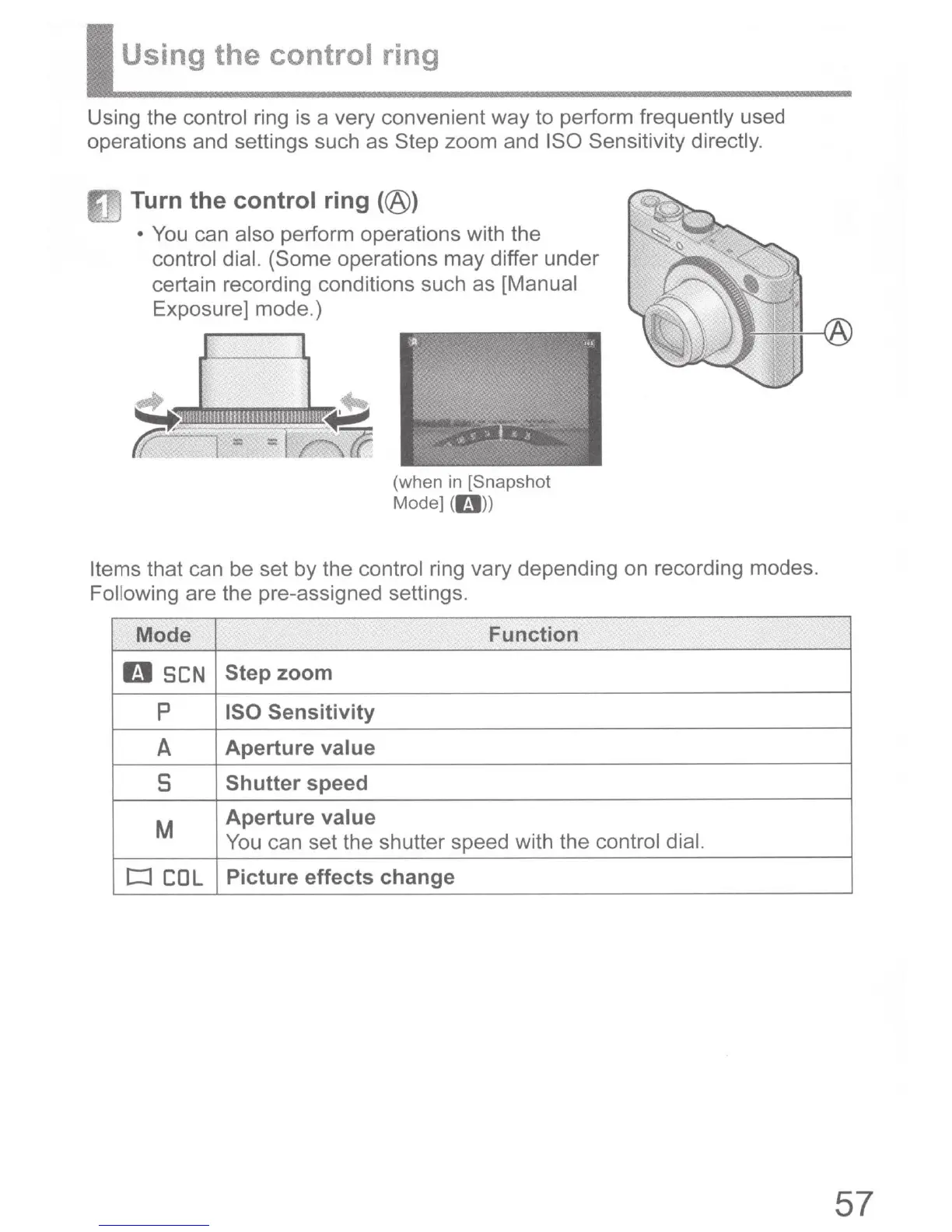
Turn the control ring
(@)
•
You
can also perform operations with the
control dial. (Some
operations may differ under
certain recording conditions such as [Manual
Exposure] mode.)
I I
(when
in
[Snapshot
Mode] (r.:J))
Items
that can be set by the control ring vary depending on recording modes.
Following are the pre-assigned settings.
Mode Function
0
SCN
Step
zoom
p
ISO Sensitivity
A
Aperture value
s
Shutter speed
M
Aperture value
You can set the shutter speed with the control
dial.
c::J
COL
Picture effects change
57



 To Next Page