Introducing the LU600 LiveU LU600 User Guide
LiveU Central
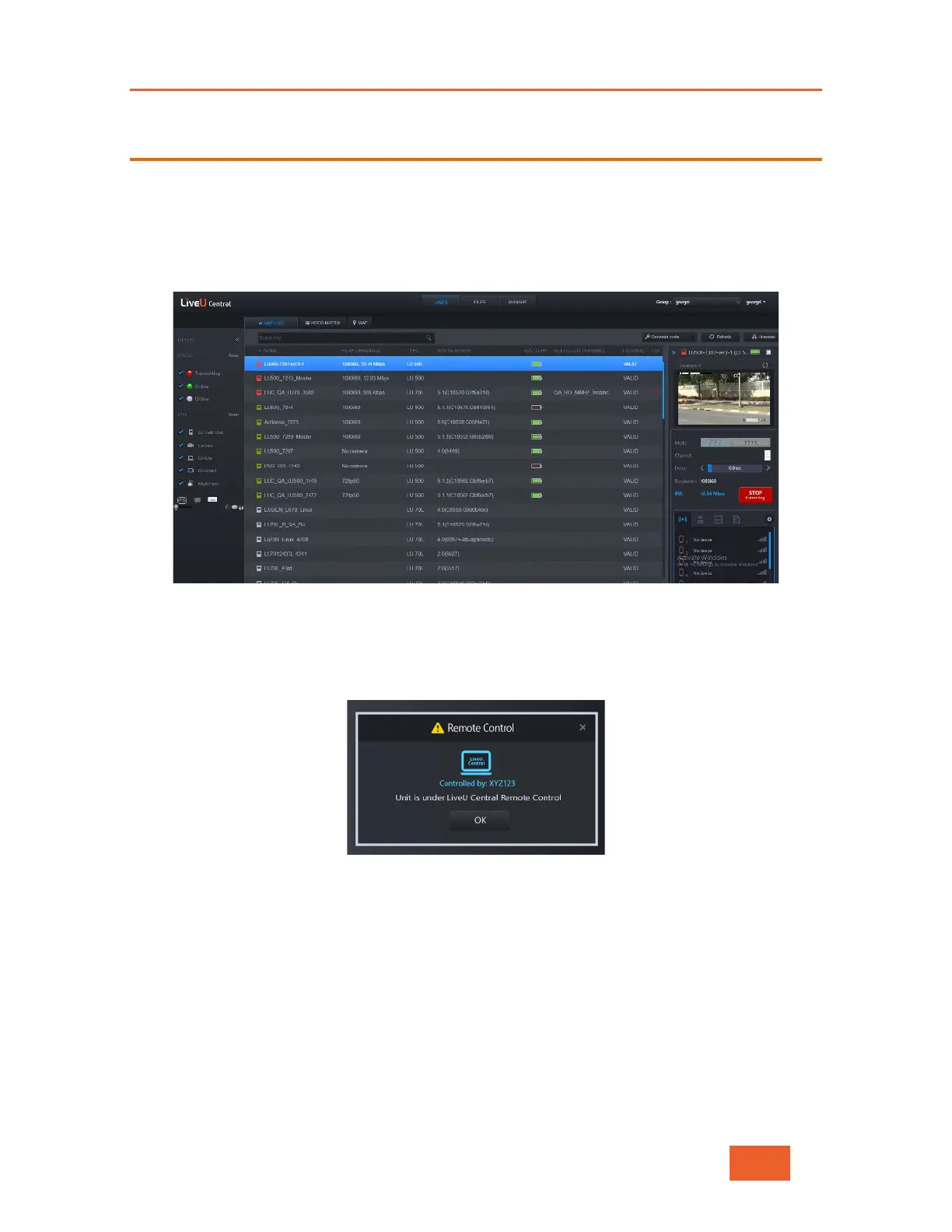
LiveU Central is a web interface that lets you access any LiveU field unit you have, including
the LU600. LiveU Central runs in any modern web browser such as Google Chrome,
Internet Explorer or Firefox and allows you to view an LU600’s status and to remotely
configure an LU600 and an MMH instance (running on the LU2000 server).
Figure 8: LiveU Central
When LiveU Central takes control of an LU600, the message Unit is under LiveU Central
Remote Control is displayed on the LU600 unit.
Figure 9: Unit Under Remote Control
This message remains on the screen until the LU600 user taps the OK button. This
message provides the LU600 user with an indication that the LU600 is/was controlled
remotely (and possibly that its configuration was changed). The LU600 user can tap this
button at any time without affecting the control.
Please refer to the LiveU Central User Guide for more detailed information.



 To Next Page